Setup Menu
Pocket-3D Reference Guide
2-38
Station Setup
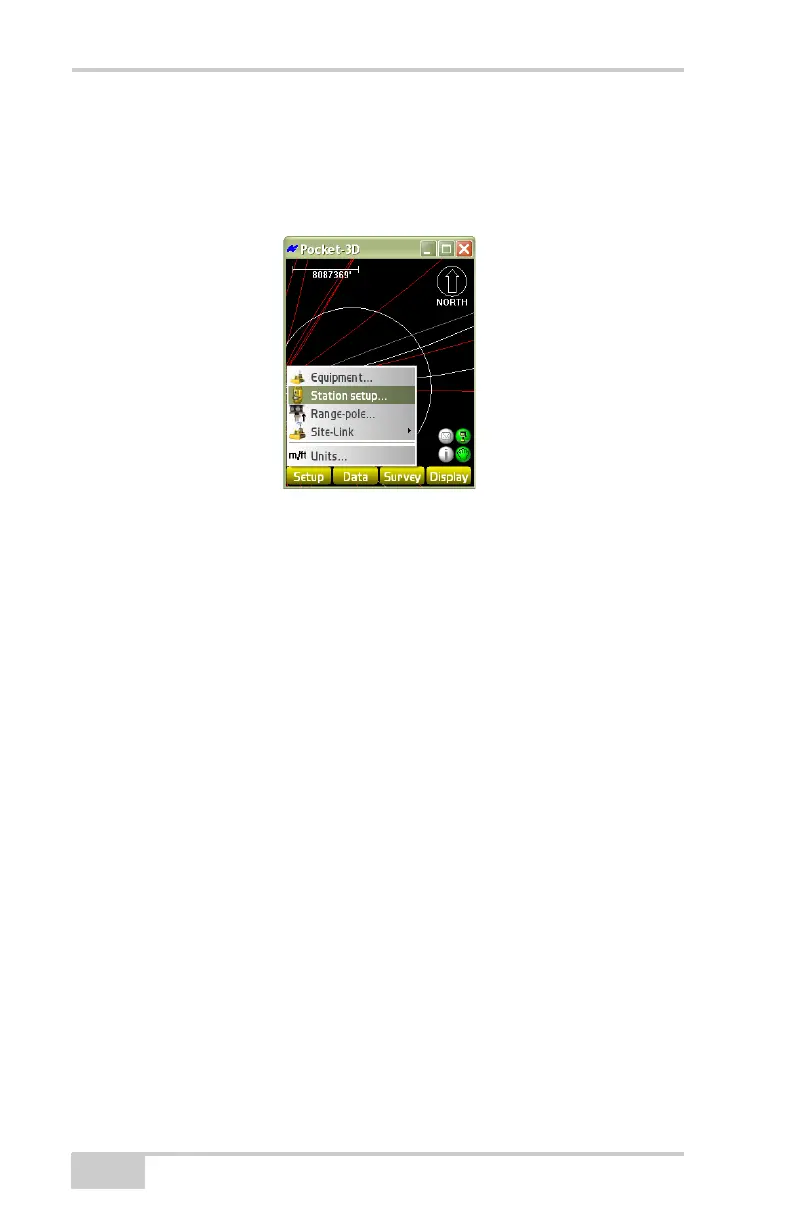
To set the occupy and backsight stations of the instrument, tap
Setup
Station Setup (Figure 2-52).
Figure 2-52. SetupStation Setup
On the setup method dialog box (Figure 2-53 on page 2-39), set the
parameters for the four station setup methods: Known station & BS
pt, Known station & azimuth, New station by Resection, and
Unknown pts, then press Next.
Known station & BS pts: the most common method. Select a station
point and a backsight point from the list of control points for the job
site.
1. On the Setup method dialog box (Figure 2-53 on page 2-39), set
the following parameters:
• Instrument height – enter the measured height of the
instrument.
• Units – enter the units used to measure the height of the
instrument, then press Next.
The backsight setup dialog box (Figure 2-53 on page 2-39)
displays.
2. On the backsight setup dialog box, select or enter the following
parameters, then press Next:
• Filter List – select either Control points or Point from the
drop-down list.
• Layer – select a layer from the drop-down list.



 To Next Page