Copy Selected Objects
P/N 7010-0628
3-113
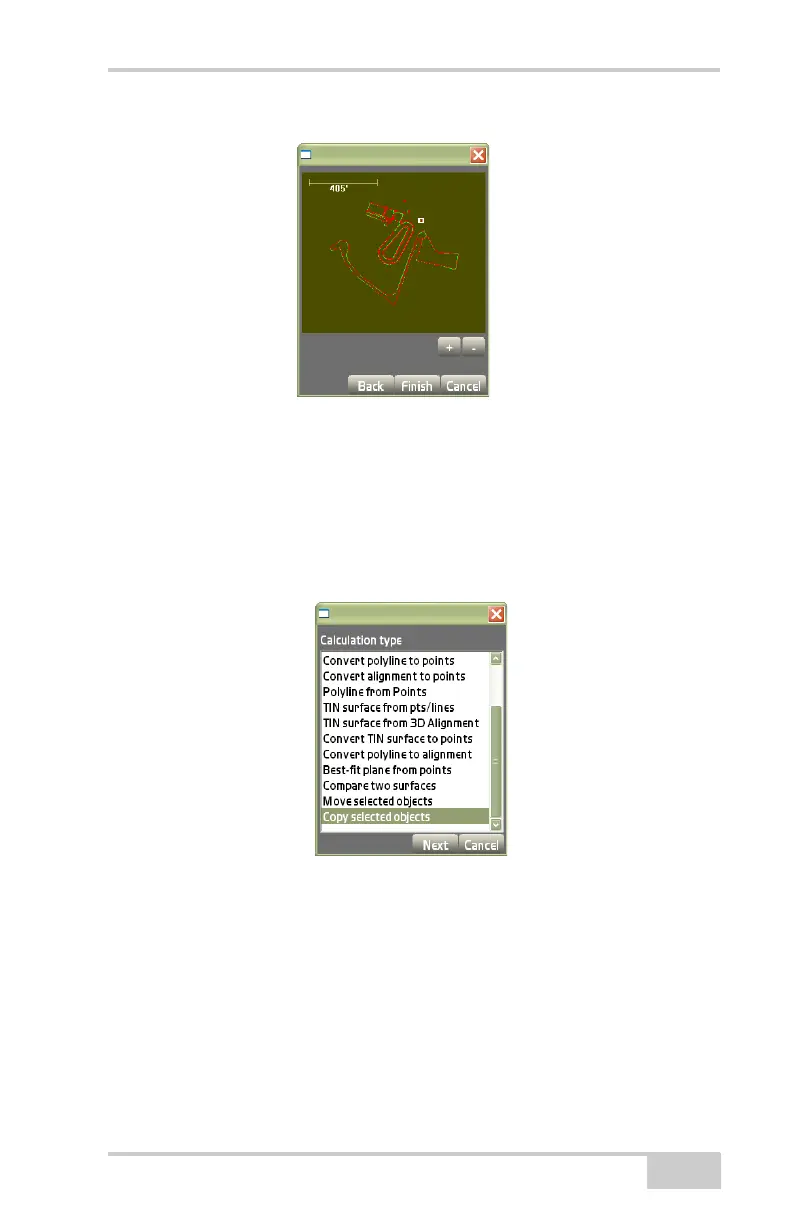
Figure 3-173. Move Selected Objects – Results Screen
Copy Selected Objects
On the Calculation type dialog box, select Copy selected objects,
then press Next (
Figure 3-174).
Figure 3-174. Calculation Type – Copy Selected Objects
On the copy selected objects dialog box (Figure 3-175 on page 3-
114), do the following:
• Copy selected objects and move by.. – to define a vector/
distance and direction by what you want to move your objects to:
– Move P1 to P2: P1 is the “From” location and P2 is the “To”
location.
Pocket-3D calculates the dN and dE values automatically.



 To Next Page