Survey Menu
Pocket-3D Reference Guide
4-18
• Pt. descriptor – enter the point description (if preferred).
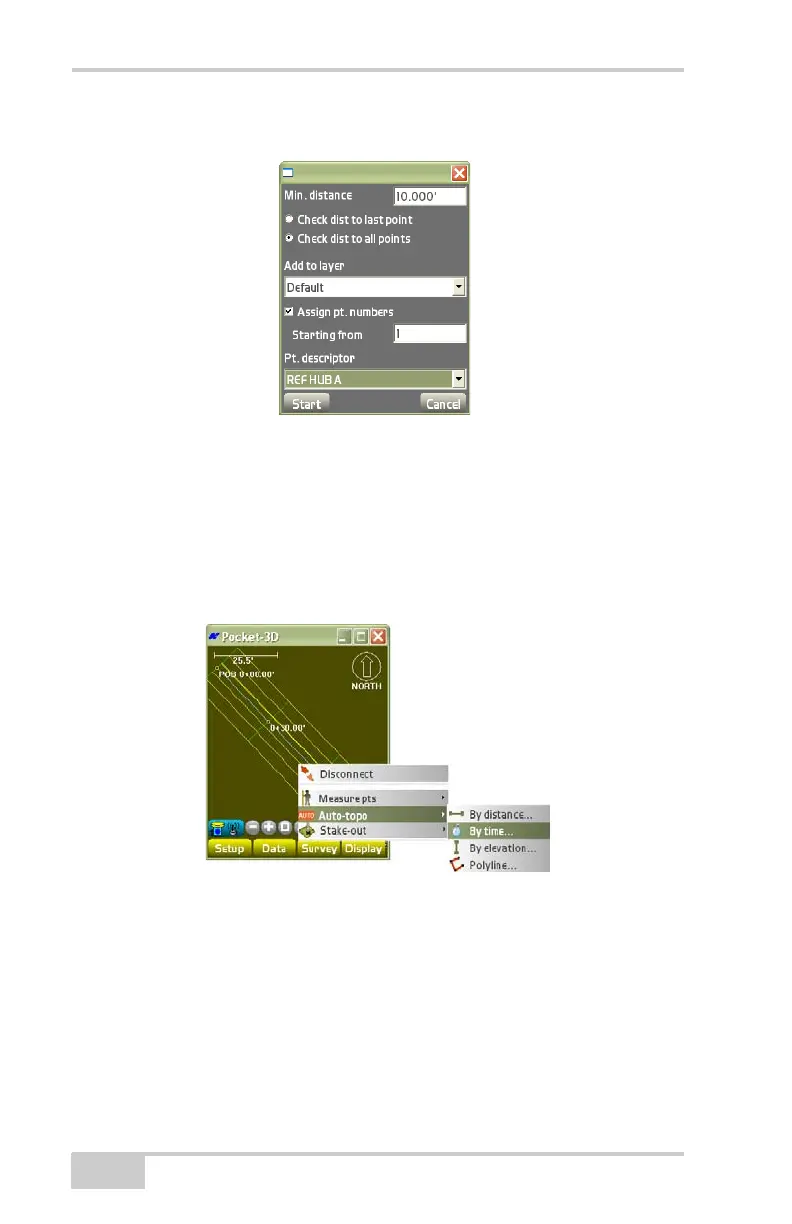
Figure 4-27. Auto-topo Survey – By Distance
• Press Start to begin the auto-topo survey.
By Time
To measure points at a constant time interval, tap SurveyAuto-
topo
By time (Figure 4-28).
Figure 4-28. SurveyAuto-topoBy time
On the by time dialog box, select the desired parameters, then press
Ok (
Figure 4-29).
• Time interval (secs) – enter the time interval for logging points.
• Add to layer – stores measured points to the selected layer.
• Assign pt. numbers – enable to assign point numbers to measured
points.



 To Next Page