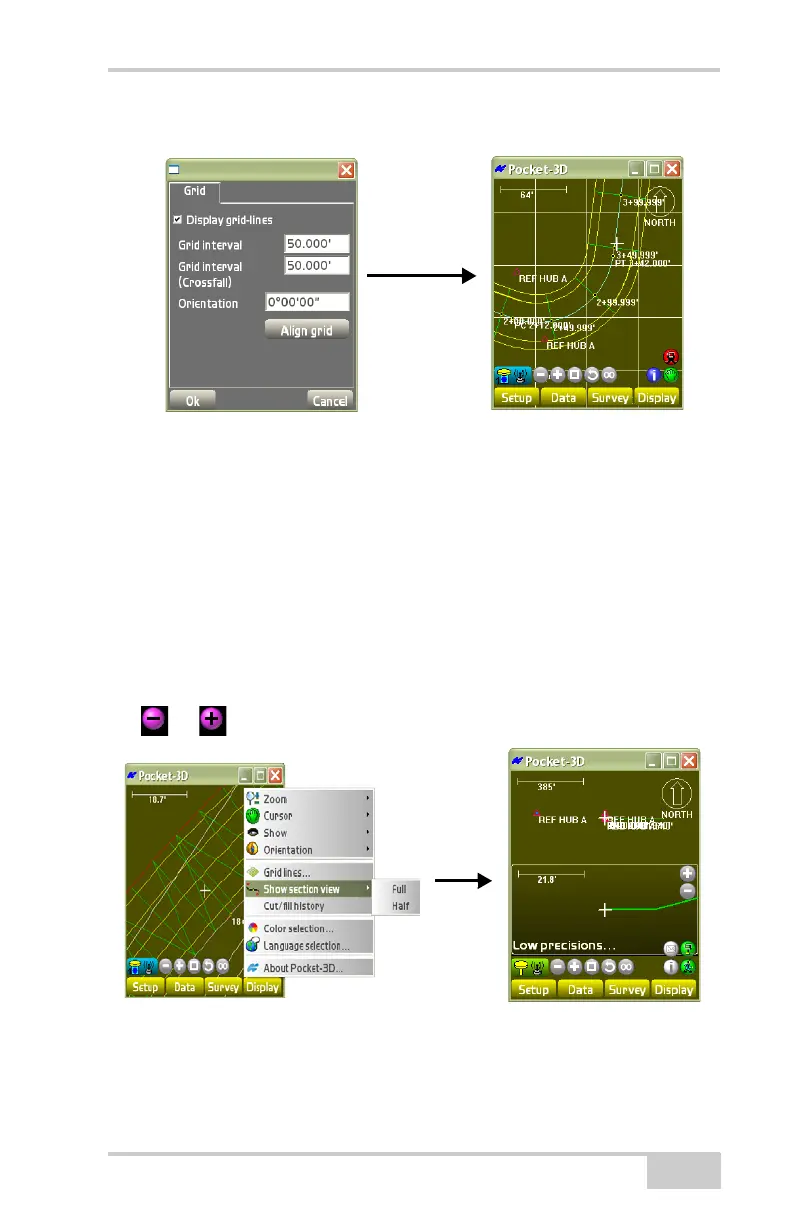
Show Section View
P/N 7010-0628
5-7
Figure 5-7. Set Grid-line Information for Display on the Main Screen
Show Section View
The section view function displays a small, supplementary window
over the main screen with a cross-section of the field at the current
position.
To display the section view of the selected surface file, tap
Display
Show section view (Figure 5-8). The main screen displays
a cross section view of the selected design surface (Figure 5-8). Press
the or button to zoom in or out.
Figure 5-8. Display a Field’s Section View



 To Next Page