Setup Menu
Pocket-3D Reference Guide
2-6
Radios
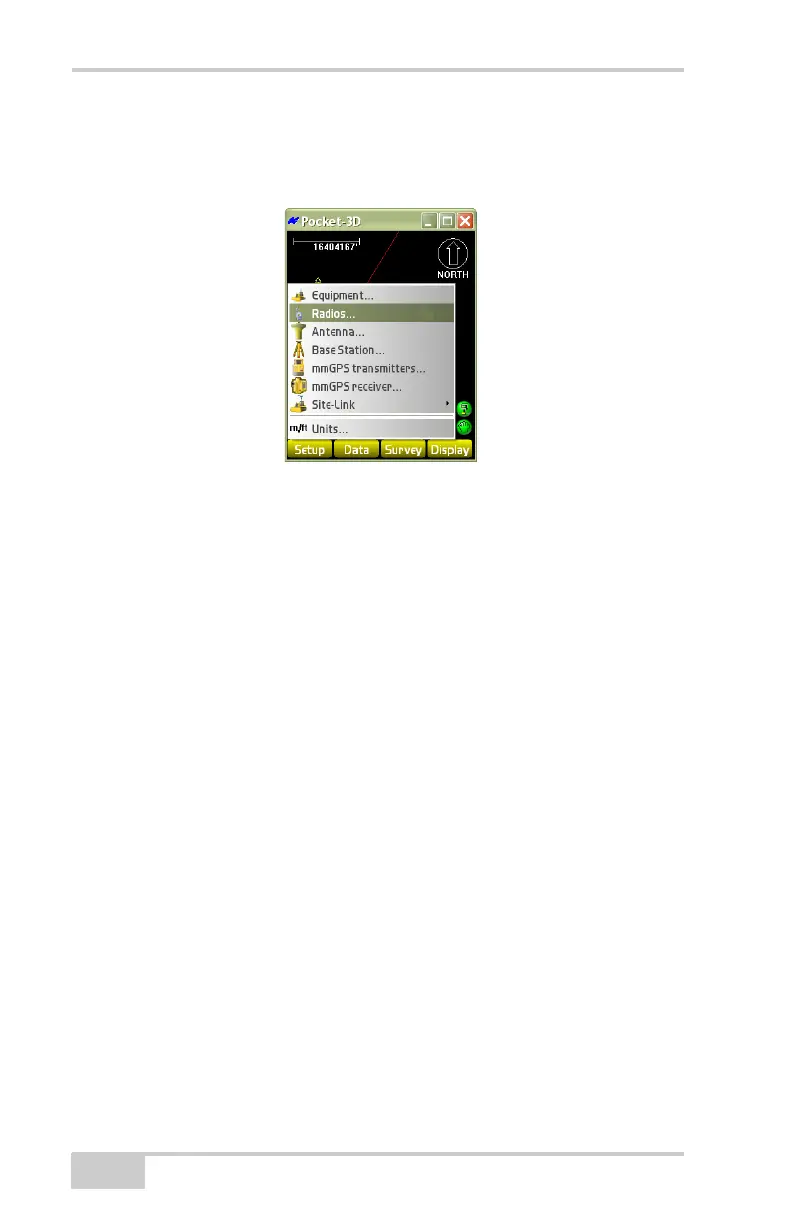
To configure radio settings, tap SetupRadios (Figure 2-8).
Figure 2-8. SetupRadio
On the radio setup dialog box, set the following parameters and press
Ok (
Figure 2-9 on page 2-7):
• Radio type – the type of radio.
• Port – the port used for radio connection.
• Baud rate – the speed of communication rate between the radio
unit and the GPS+ receiver.
• Format – current GPS+ systems are capable of either CMR or
RTCM corrections.
• Configure – changes the radio channel; press to display the
channel configuration dialog box (
Figure 2-9 on page 2-7).
Select the desired channel and the corresponding Frequency
displays. Press Set to apply the radio channel parameters.



 To Next Page