Data Menu
Pocket-3D Reference Guide
3-48
1. To change the view options of the selected surface, tap Data
AlignmentOptions.
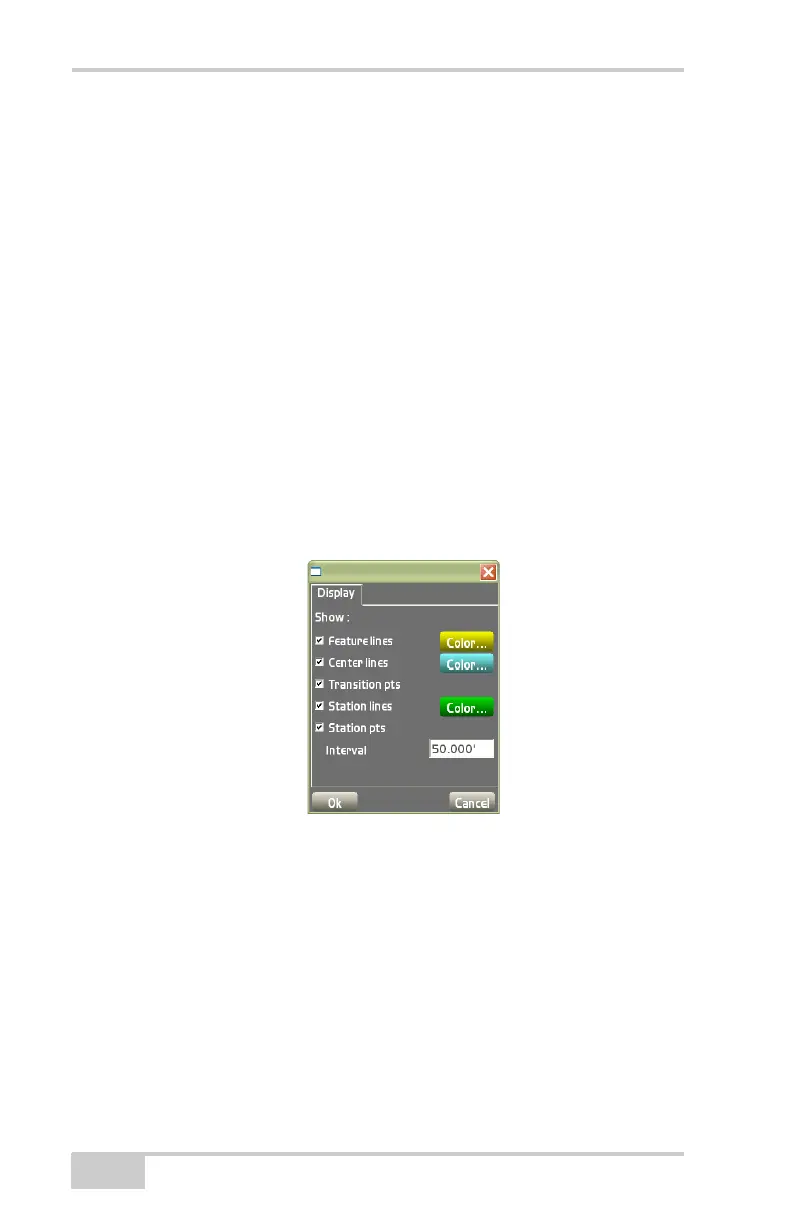
2. On the alignment options dialog box do the following and press
Ok (
Figure 3-69):
• Feature lines/Center lines – enable to show the feature/center
lines on the surface.
• Transition pts – enable to display the transition points on the
surface.
• Station lines – enable to show the station lines at a set interval
on the surface.
• Station pts – enable to show station points on the main
screen.
– Interval: enter the desired interval for station points.
Use the color buttons on the left to set a color for the enabled
option.
Figure 3-69. Alignment Options – Road Surface Models
Current File or <none>
Displays the currently loaded Alignment file. If no file is currently
selected, displays “<none>”.
To access available Alignment files or to create a new Alignment file,



 To Next Page