Calculation Wizard
P/N 7010-0628
3-107
Best-fit Plane from Points
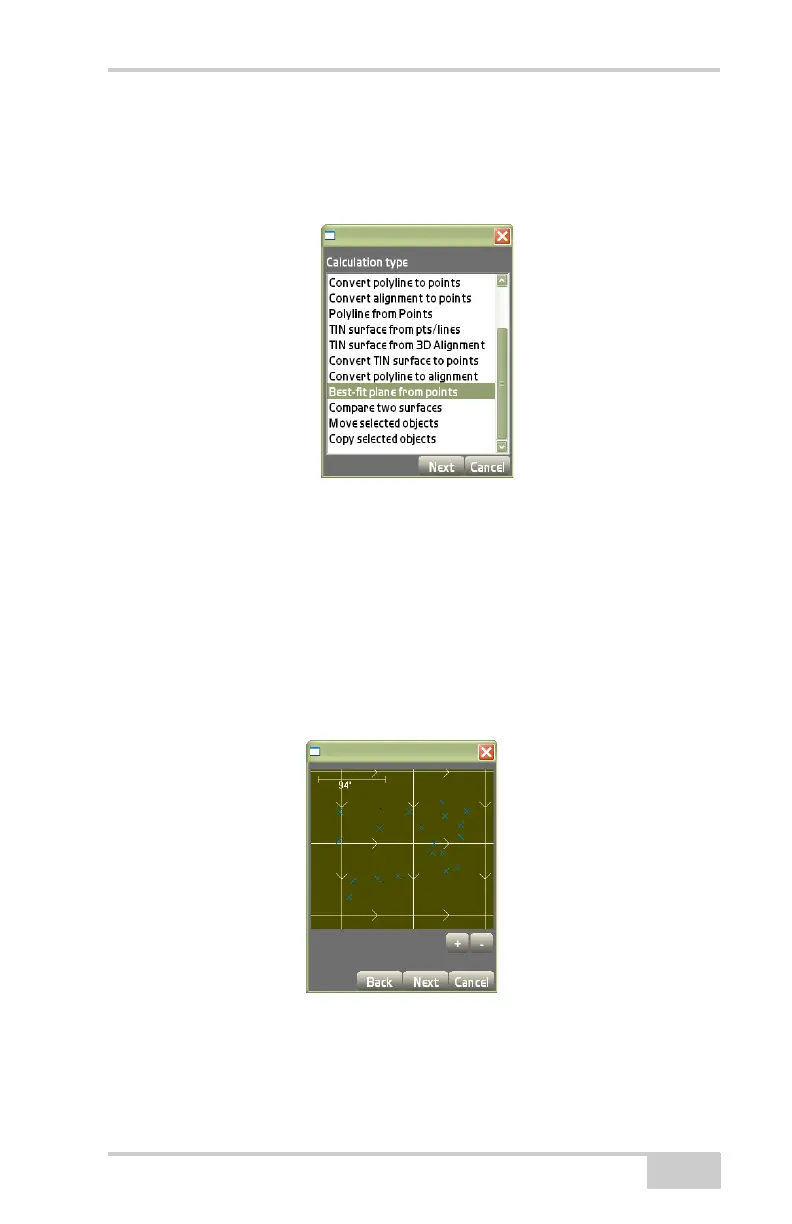
On the Calculation type dialog box, select Best-fit plane from points,
then press Next (
Figure 3-163).
Figure 3-163. Calculation Type – Best-fit Plane From Points
This process creates a dual-slope plane to balance the cut/fill values
across the entire area of interest.
The view screen will display the dual-slope plane created from the
selected polyline (
Figure 3-164).
1. Press the +/- buttons to zoom in or out on the image, or press
down on the screen and drag the image around.
2. Press Next to continue.
Figure 3-164. View Screen for Polyline to Alignment Conversion



 To Next Page