Data Menu
Pocket-3D Reference Guide
3-28
Figure 3-41. TIN Surface Parameters
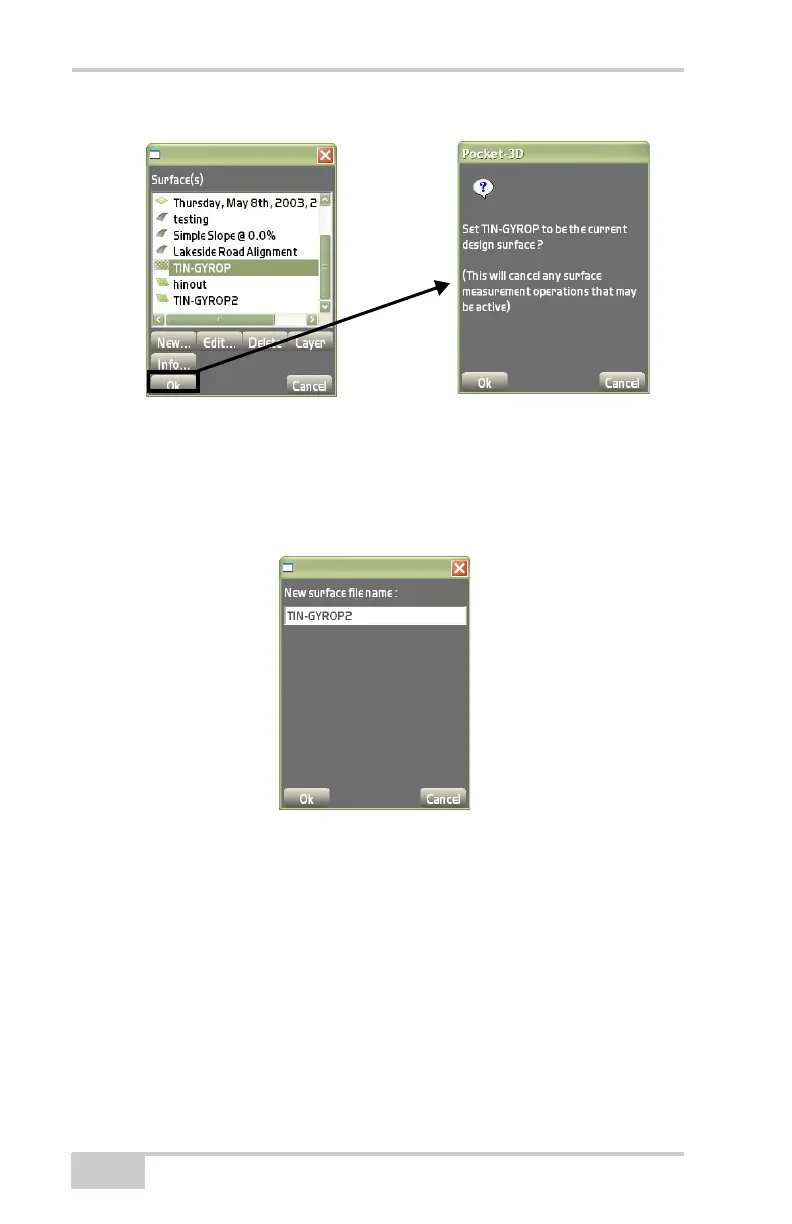
• Ok – press to set the new surface as the current surface
(Figure 3-41).
• Edit – press to edit the selected file, i.e., TIN, Road, Plane, or
Bestfit plane surface.
Figure 3-42. New Surface Filename Dialog Box
• Delete – press to remove an existing file from the internal
memory.
Select a file to remove, then press Delete.
The program always reminds the operator to confirm deletion of a
selected file. Press Ye s to confirm the deletion.
Road Surface File
This surface type creates a new road surface with known horizontal,
vertical, and template design information.



 To Next Page