Data Menu
Pocket-3D Reference Guide
3-4
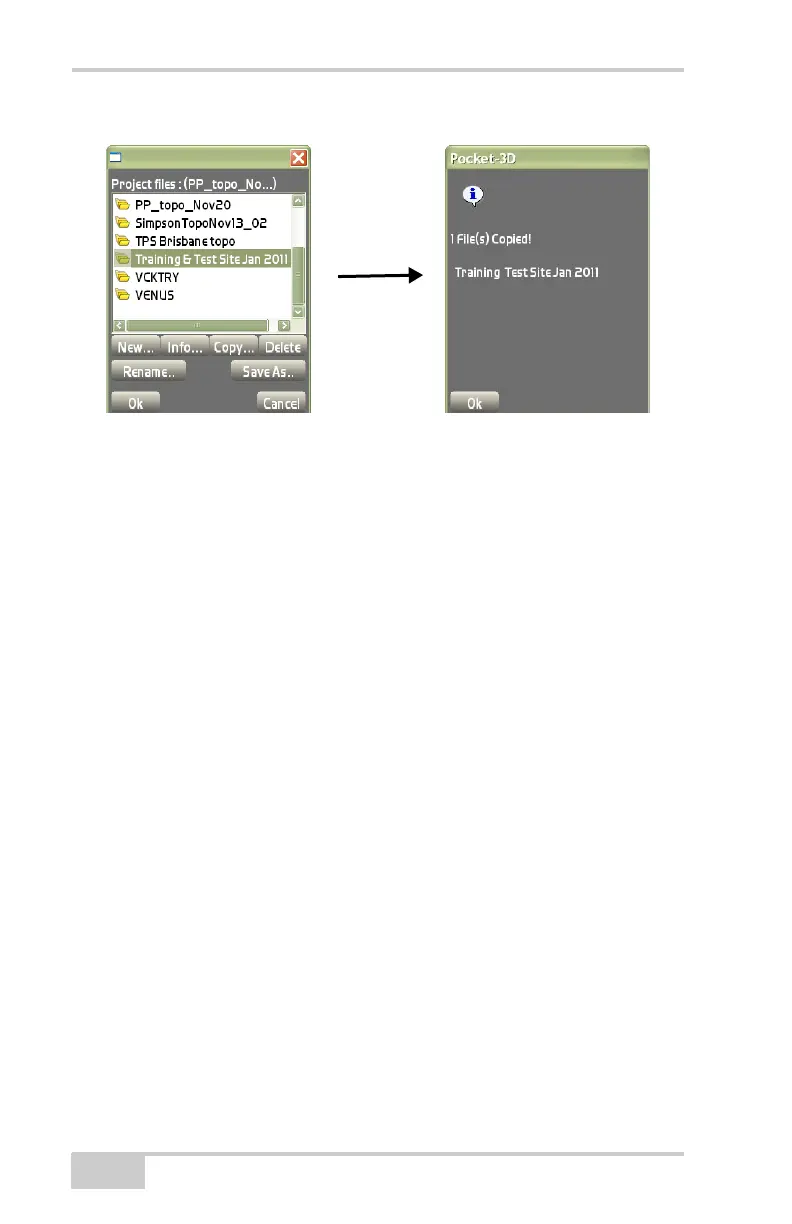
Figure 3-6. Copy Project Files
• Delete – removes an existing file from internal memory. Select a
file to remove, then press Delete.
The program always reminds the operator to confirm deletion of a
selected file. Select Ye s to confirm the deletion.
• Rename – opens the New project file name dialog box
(Figure 3-4 on page 3-3) to change the name of the selected file.
• Save As – opens the New project file name dialog box
(Figure 3-4 on page 3-3) to save the selected file under a new
name.
Import/Export
To import a project file, click Topcon LogoDataProject
Import/ExportFrom TP3 file on the Main Screen (Figure 3-7
on page 3-5).



 To Next Page