Project
P/N 7010-0628
3-3
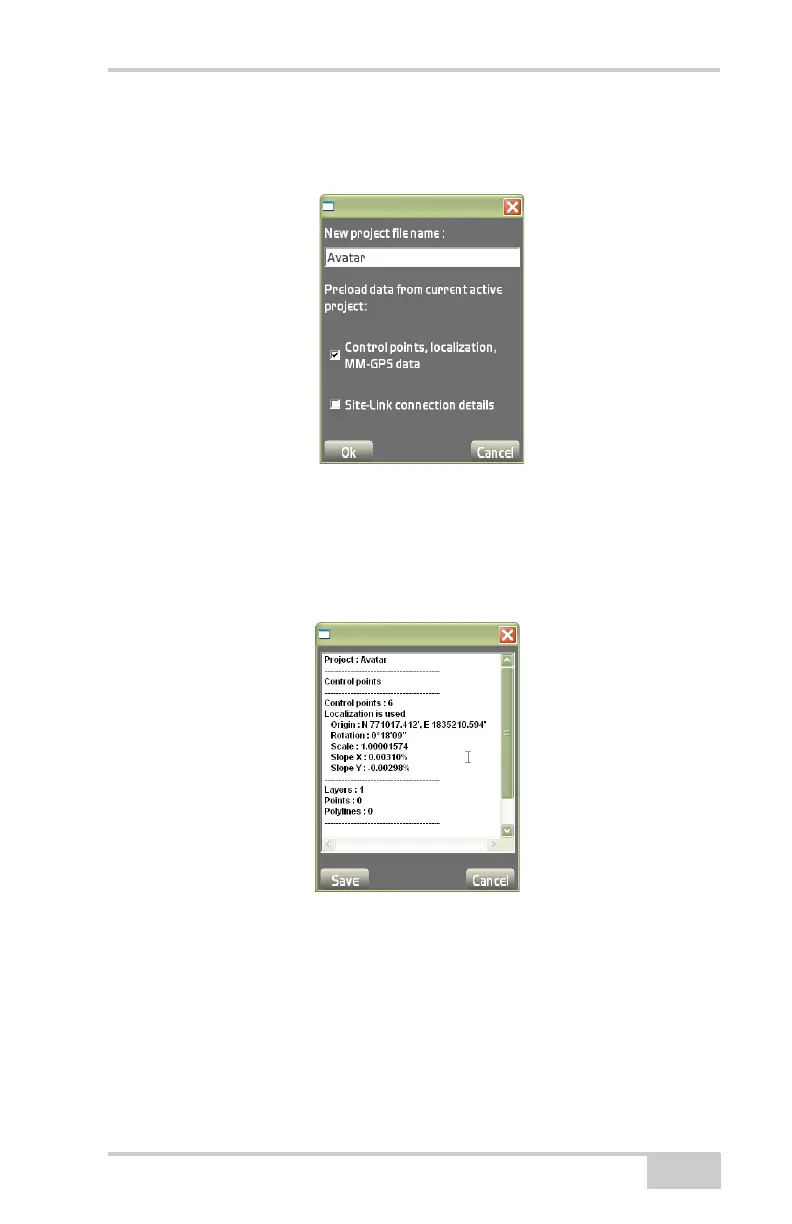
• New – create a new file by entering a filename. After naming the
file, press Ok to save the information (
Figure 3-4).
Figure 3-4. New Project File
• Info – displays the information on the selected file (Figure 3-5 on
page 3-3). Press Save to save the information as a text file on the
Save as dialog box or Cancel to return to the previous screen.
Enter the name of the new file and press Ok.
Figure 3-5. Project File Information
• Copy – copies a file either from internal memory, Network or CF
(Compact Flash) Card, to the Network or CF card. The touch
screen lists all file available for copying. Select a file to copy, then
press Ok. At the verification screen, press Ok again.



 To Next Page