Survey Menu
Pocket-3D Reference Guide
4-60
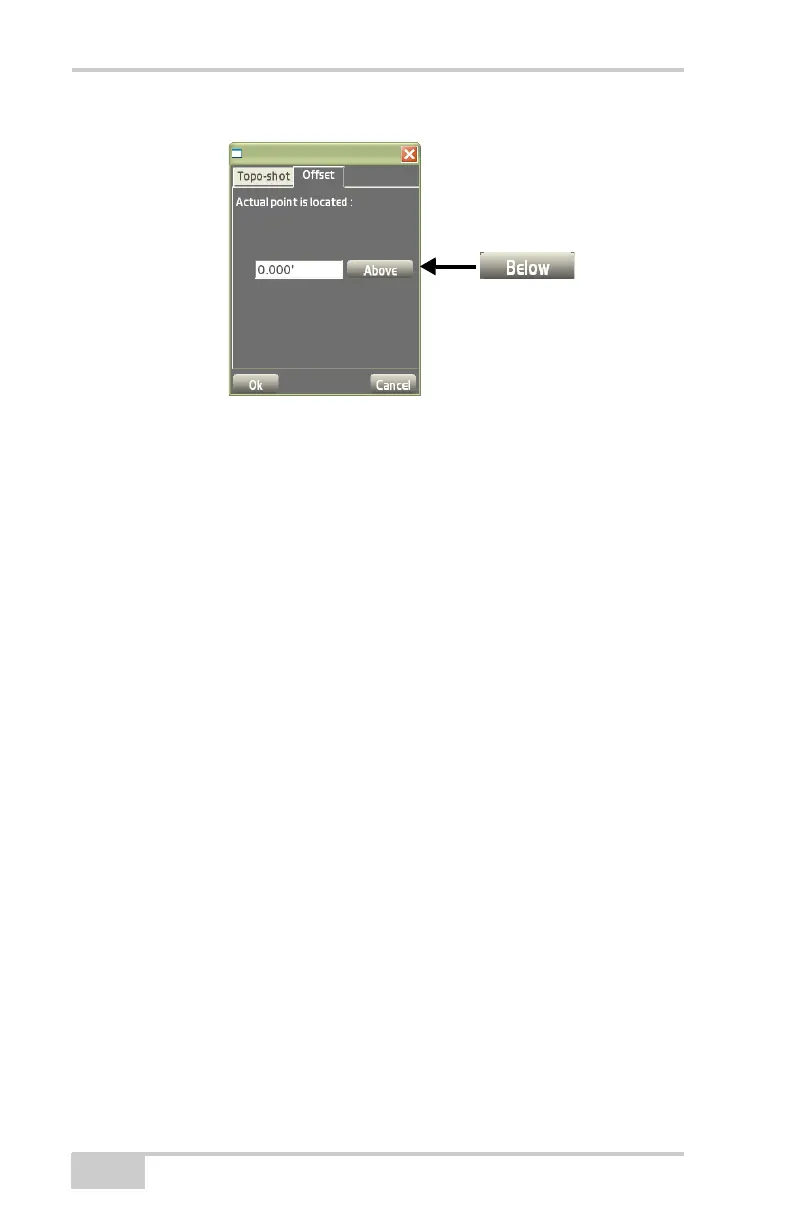
Figure 4-88. Topo-shot with Offset – Offsets
Options
To view or change options for point measurements with a total
station, tap Survey
Measure ptsOptions.
On the Topo-shot options tab, select the desired options for topo-shot
measurements, then press Ok (
Figure 4-89 on page 4-61).
• Prompt for pt. details – enable to prompt for point details every
time a topo-shot is measured
– Before: enable this option to prompt for point details before
the topo-shot is measured
– After: enable this option to prompt for point details after the
topo-shot is measured
• Minimum Requirements:
• Press ENTER to measure – enables the Enter key on the
controller’s casing for measuring each topo-shot
• Require RTK initialized – enable to measure points with only
RTK initialized.
If you choose this option, this will skip autonomous and float
positions.
• Require MMGPS signal – enable to measure points using only
the mmGPS signal, which means skipping positions without
mmGPS signal (e.g., GPS only).



 To Next Page