GPS Status Information
P/N 7010-0628
1-21
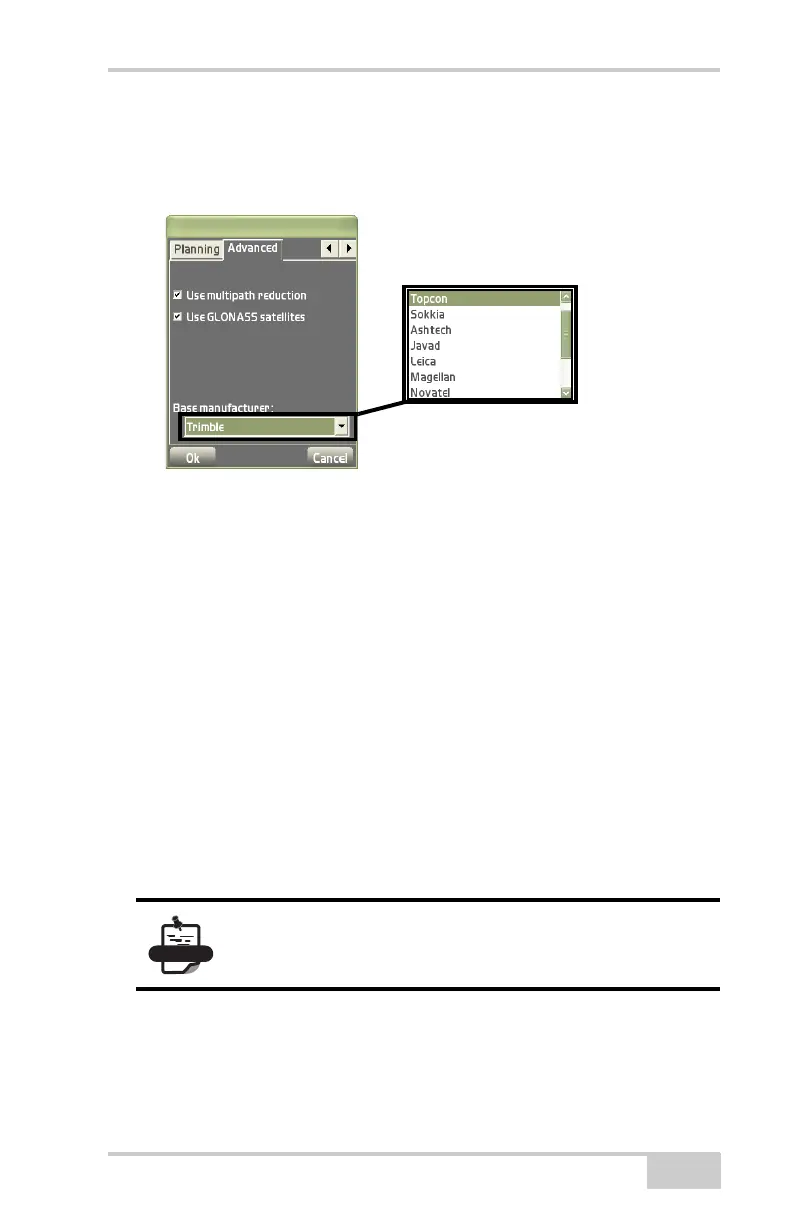
Magellan, Trimble, etc. This helps with correct RTK operation
where GLONASS is used at the base and rover where the base is
not a Topcon base.
Figure 1-25. Advanced Tab
Total Station Status
While in total station control, to view total station information,
change search area or change track sensitivity and speed, press the
Total Station status button on the toolbar (
Figure 1-26 on
page 1-22).
The color of the button and state of the hardware symbol indicates the
status of the system.
• Background color – green means the entire system communicates
with Pocket-3D; red means all or some part of the system is not
communicating with Pocket-3D.
• Hardware symbol state – if the symbol is crossed out, the
corresponding sensor/receiver is not available.
The instrument selected during equipment setup determines the tabs
that display.
For non-robotic total stations, the prism symbol will
remain crossed out.
Select a Base
manufacturer from the
drop-down list



 To Next Page