Alignment
P/N 7010-0628
3-59
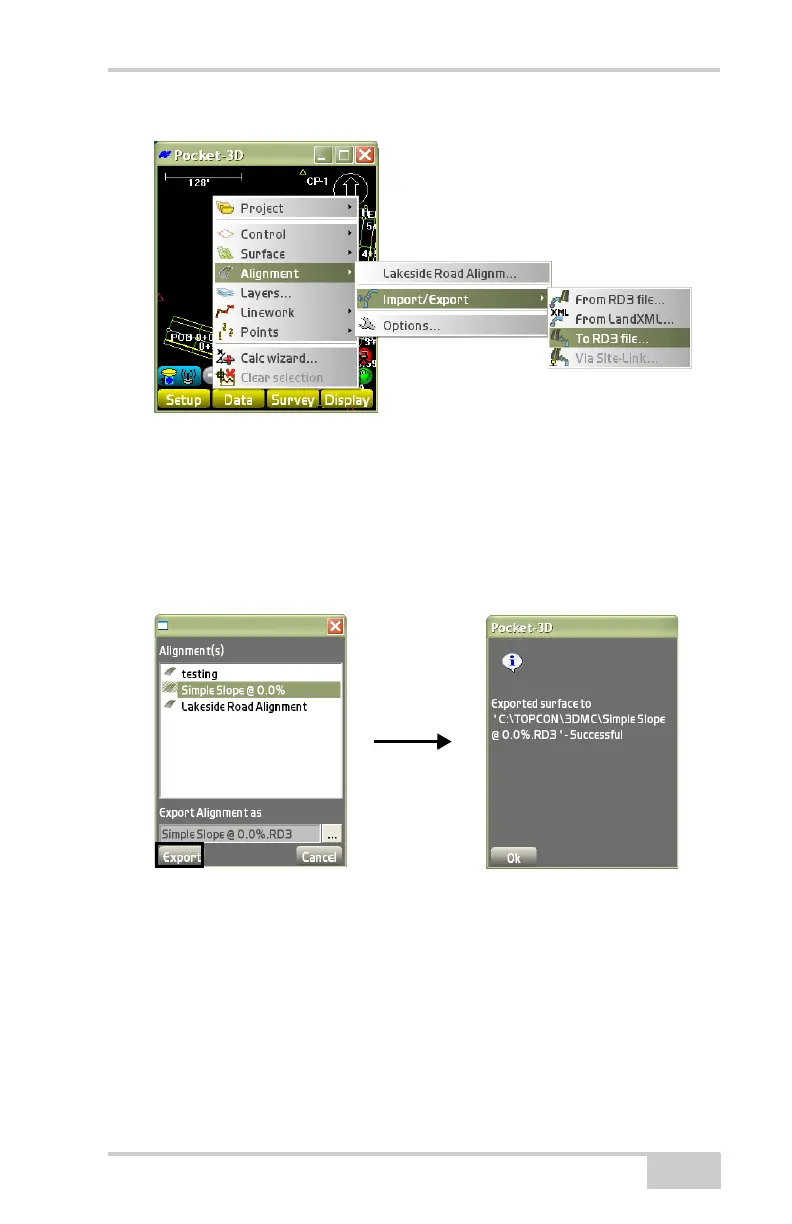
Figure 3-85. Export a Surface File to RD3 File
•The Surface(s) dialog box displays (Figure 3-86). Highlight a
surface file to export.
• Press Export.
A confirmation dialog box displays to confirm that the export was
successful (
Figure 3-86).
Figure 3-86. Exporting to an RD3 File
Options
To change the view options of the selected alignment, tap Data
AlignmentOptions (Figure 3-87 on page 3-60).



 To Next Page