About Pocket-3D
P/N 7010-0628
5-13
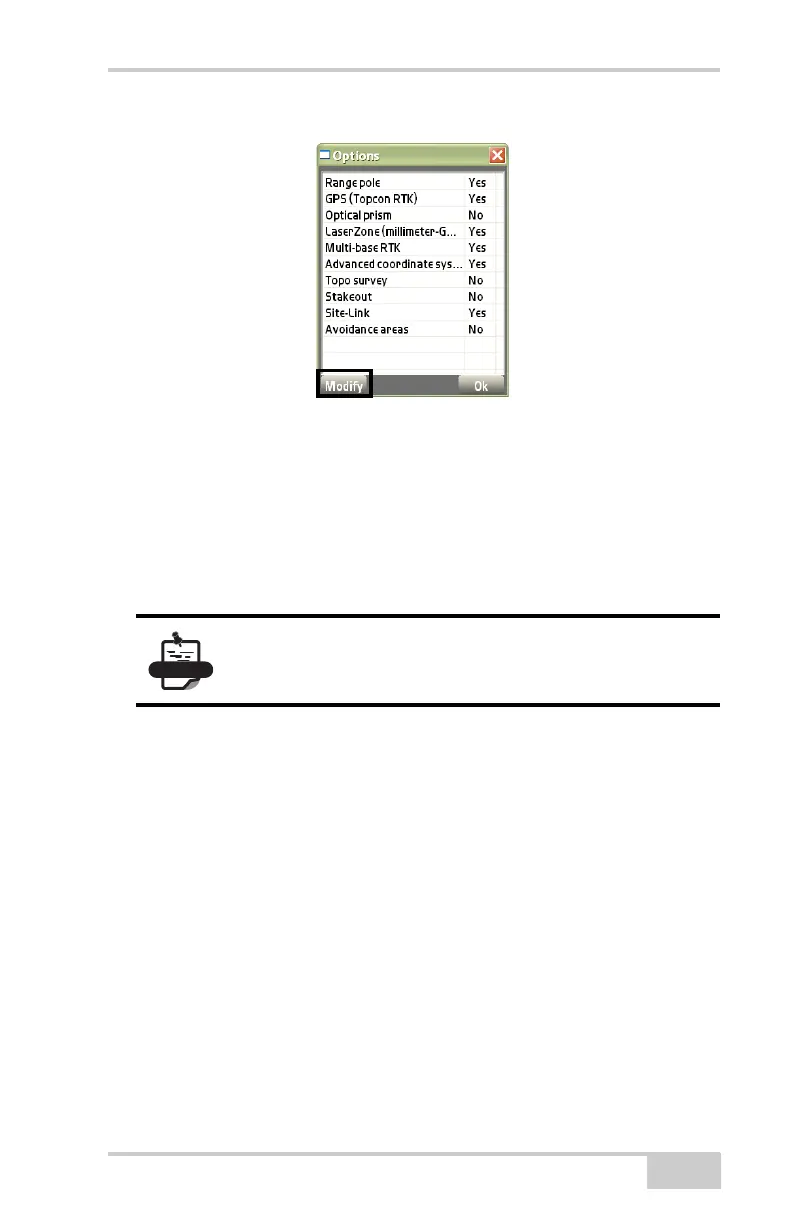
Figure 5-17. Pocket-3D Options (Example)
Modify
On the Options dialog box (Figure 5-17), press Modify to change/
edit registered user and authorized options. The Pocket3D dialog
(
Figure 5-18 on page 5-14) box displays. After entering the following
information on the Pocket3D dialog box, press Ok.
• Device ID – the device identification to give to a Topcon
representative to obtain new authorization codes for the desired
applications.
• User name – enter the name in which the software is registered.
• Authorization code – enter the codes for the purchased options.
• From File – press to copy authorization codes directly onto the
GX-60 via the USB port.
Existing installs of Pocket-3D will automatically be upgraded to
the new protection mechanism.
To activate new/changed codes and options, turn
Pocket-3D off, then on.



 To Next Page