Main Screen
P/N 7010-0628
1-9
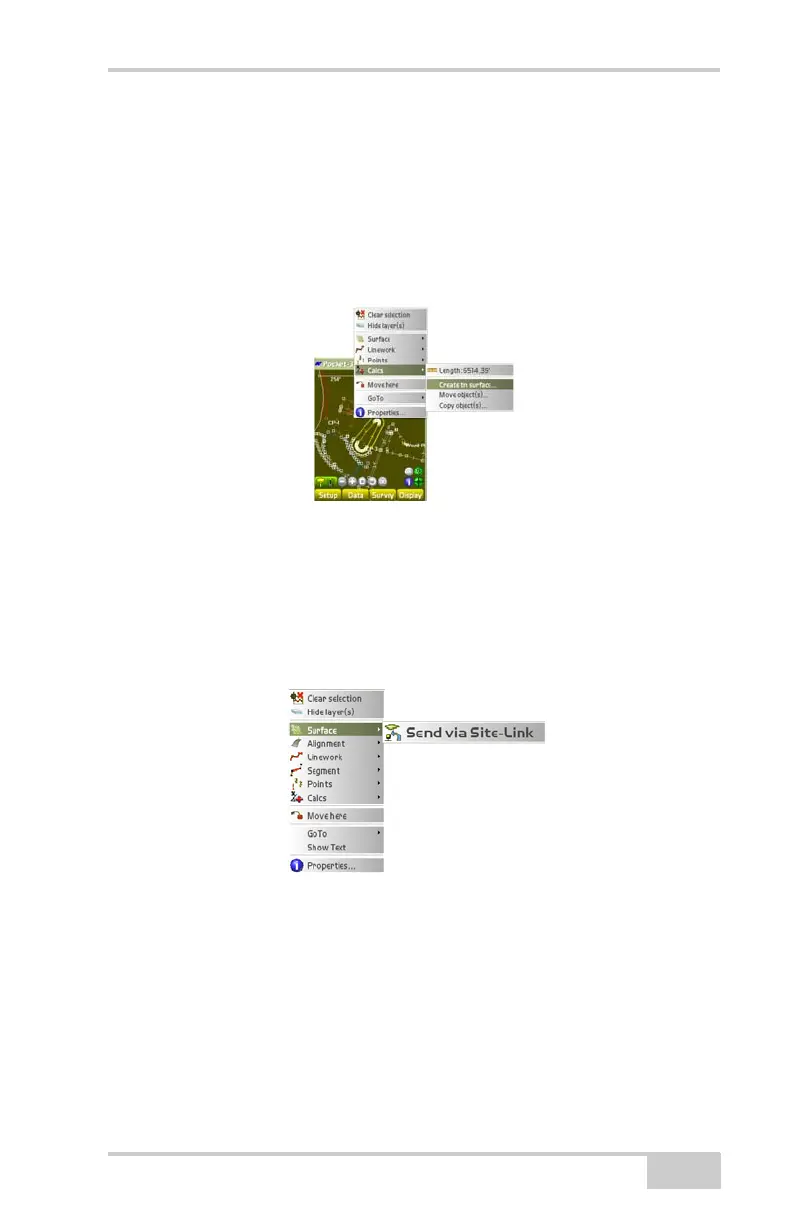
– Create closed polyline: creates a closed polyline.
– Create tin surface: creates a TIN surface.
– Move object(s): moves the current cursor position to where
the stylus clicked on the main screen (only available in
simulation mode).
– Copy object(s): copies the selected entity with the mouse.
Figure 1-11. Calcs Context Menu Option
Context (Pop-Up) Menu Options
Figure 1-13 through Figure 1-18 shows the context menu options for
Surface, Alignment, Linework, Segment, Point, Calcs, and GoTo
parameters.
Figure 1-12. Context Menu – Surface Options



 To Next Page