Data Menu
Pocket-3D Reference Guide
3-66
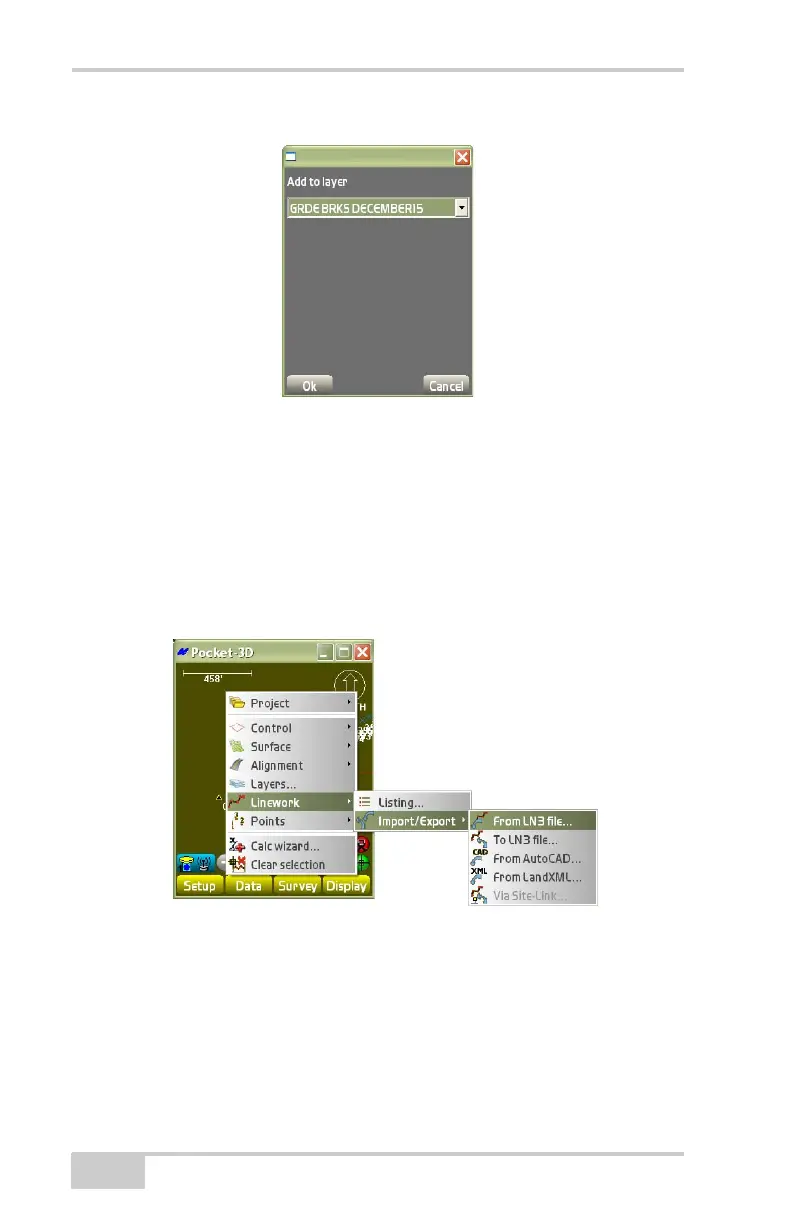
Figure 3-96. Add a New Layer to Polyline
Press Ok to return to the layer file s dialog box (Figure 3-95 on
page 3-65).
Import/Export
To Import a linework file, tap DataLineworkImport/Export
(
Figure 3-97).
Figure 3-97. Import a Linework File
From LN3 file To import a linework file from an existing LN3 file,
tap Data
LineworkImport/ExportFrom LN3 file
(Figure 3-97).
The Source filename dialog box displays (Figure 3-98).
Press the Browse button to display the file explorer dialog box;



 To Next Page