Linework
P/N 7010-0628
3-67
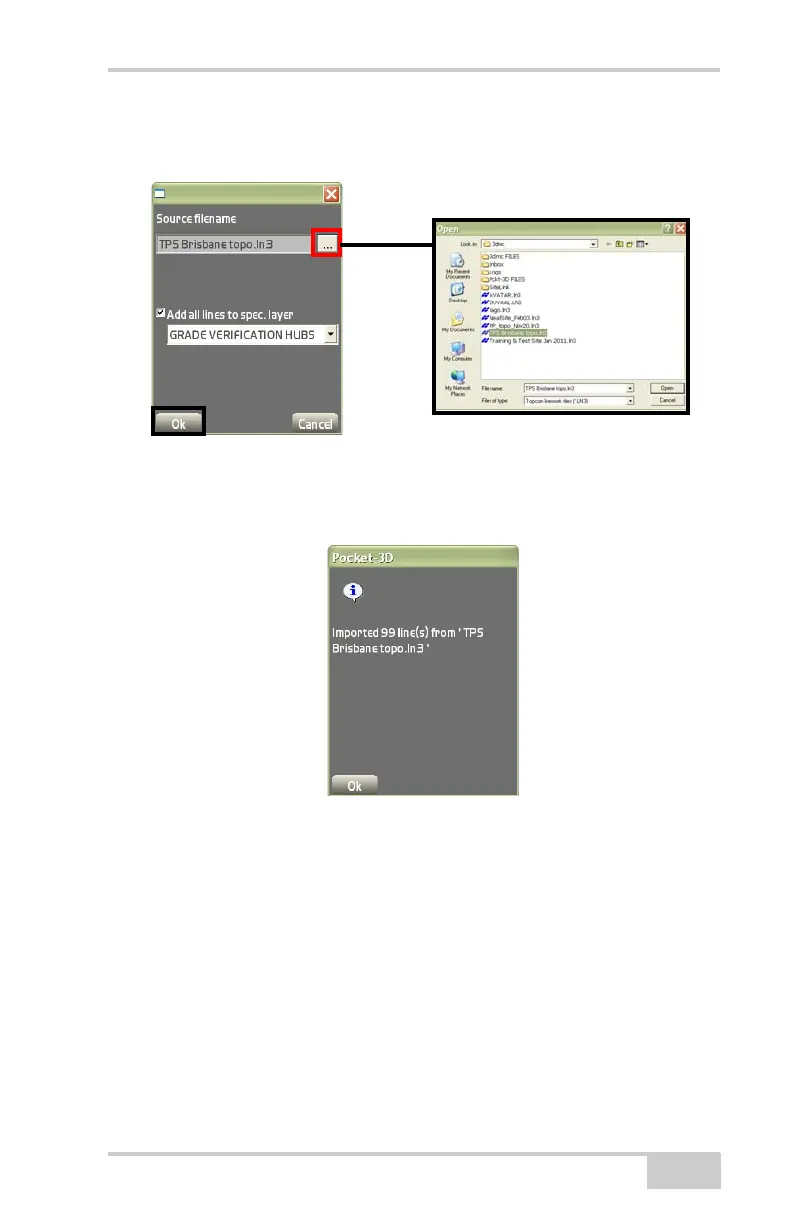
(Figure 3-98). Navigate to and select the Topcon linework file (LN3)
to import, then press Ok.
Figure 3-98. Files Explorer Dialog Box
•On the confirmation dialog box, press Ok to confirm the import
of selected linework files (
Figure 3-99).
Figure 3-99. Export Linework Confirmation Screen
To LN3 file To export a linework file tap DataLineworkImport/
Export
To LN3 file (Figure 3-100).



 To Next Page