Control
P/N 7010-0628
3-17
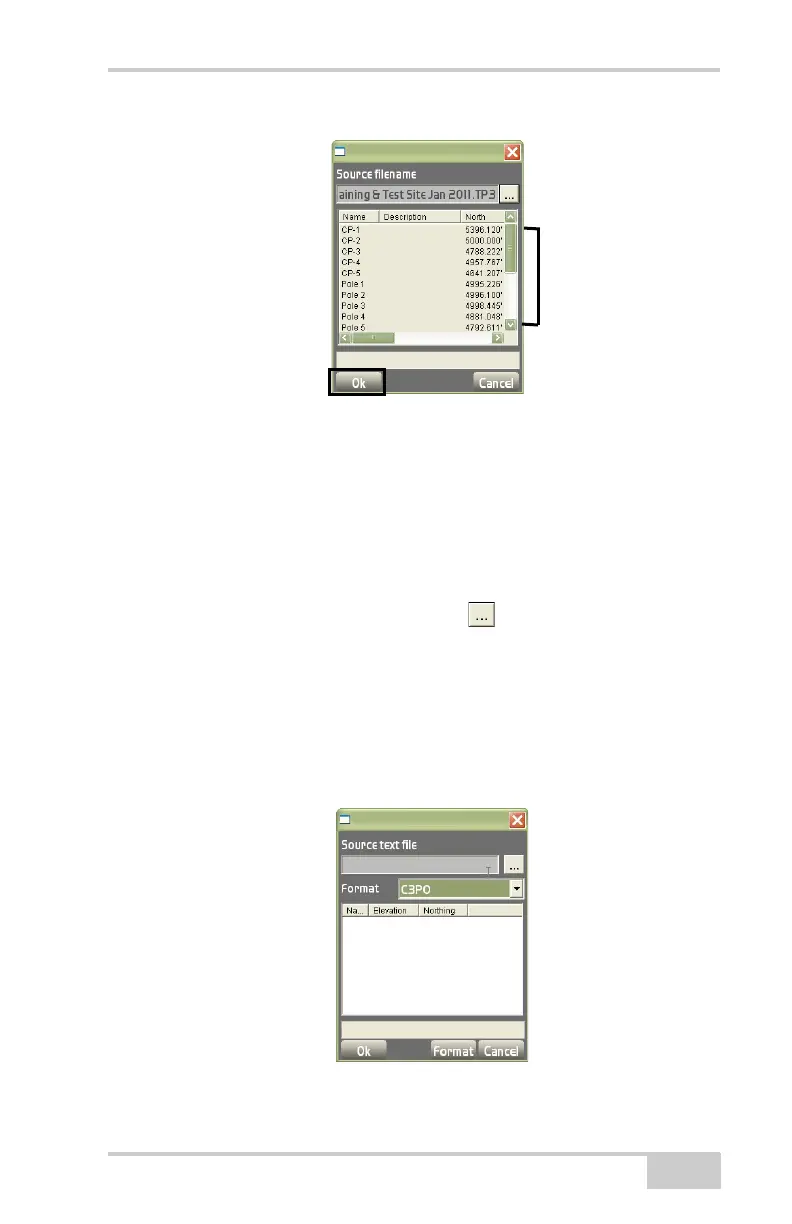
Figure 3-26. Import Control Points from the Explorer Dialog Box
From Text File
This menu option imports a text file as a control point file. Click Data
ControlImport/Export Points onlyFrom text file.
On the import from text file dialog box (Figure 3-27), select the fol-
lowing options:
• Source text file – press the Browse ( ) button to select the text
file to import.
• (Conversion) Format – select the conversion format from the
drop-down list (
Figure 3-27) and “Conversion Formats” on
page 3-18 for details on creating formats.
• To create, edit, or delete a conversion format, press Format on
the import from text file dialog box (
Figure 3-27).
Figure 3-27. Import Points From a Text File



 To Next Page