Calculation Wizard
P/N 7010-0628
3-93
Convert Polyline to Points
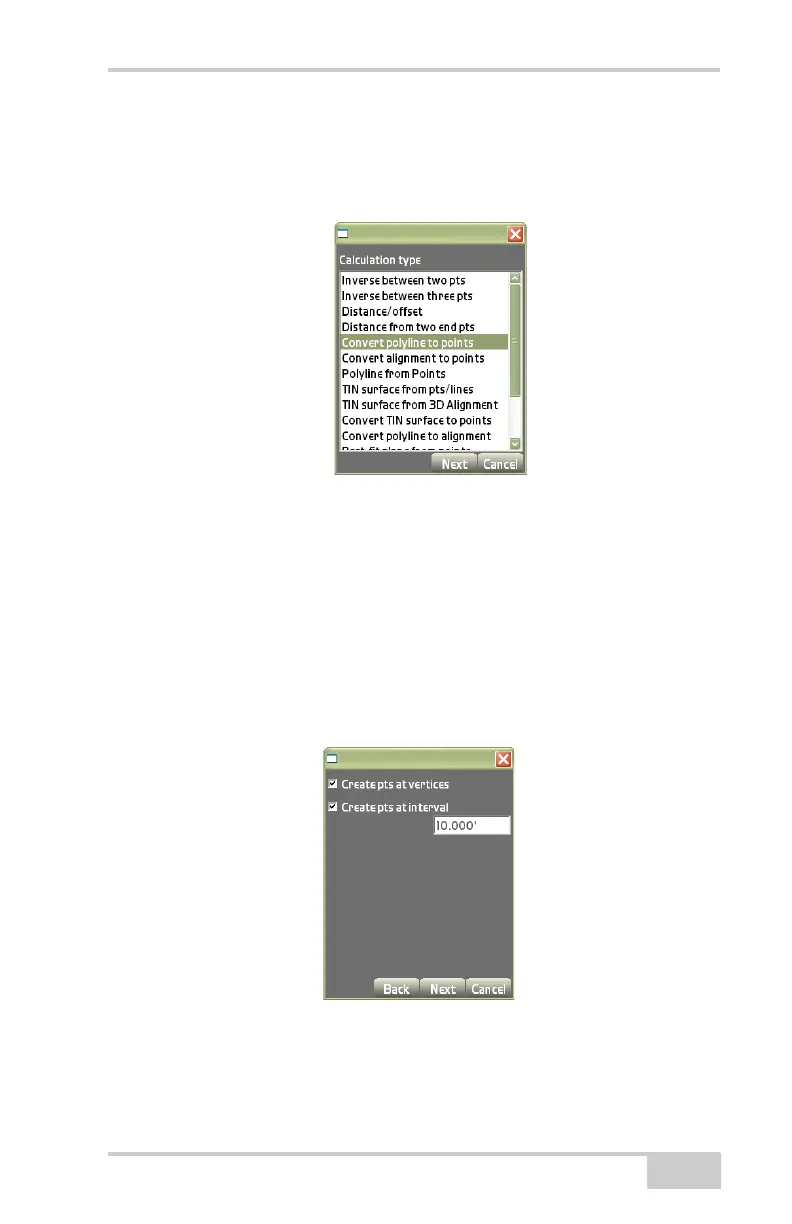
On the Calculation type dialog box (Figure 3-138), select Convert
polyline to points, then press Next.
Figure 3-138. Calculation Type – Convert Polyline to Points
This process creates points at all nodes and vertices of a selected
polyline. A points file must be open.
On the create points dialog box (Figure 3-139), enter the following
parameters to create points, then press Next.
• Create pts at vertices – enable to create points at vertices.
• Create pts at interval – enable to create points at an interval along
the polyline; enter the value of the desired interval.
Figure 3-139. Create Points
The view screen displays the coordinate points created from the
selected polyline (
Figure 3-140 on page 3-94).



 To Next Page