Data Menu
Pocket-3D Reference Guide
3-92
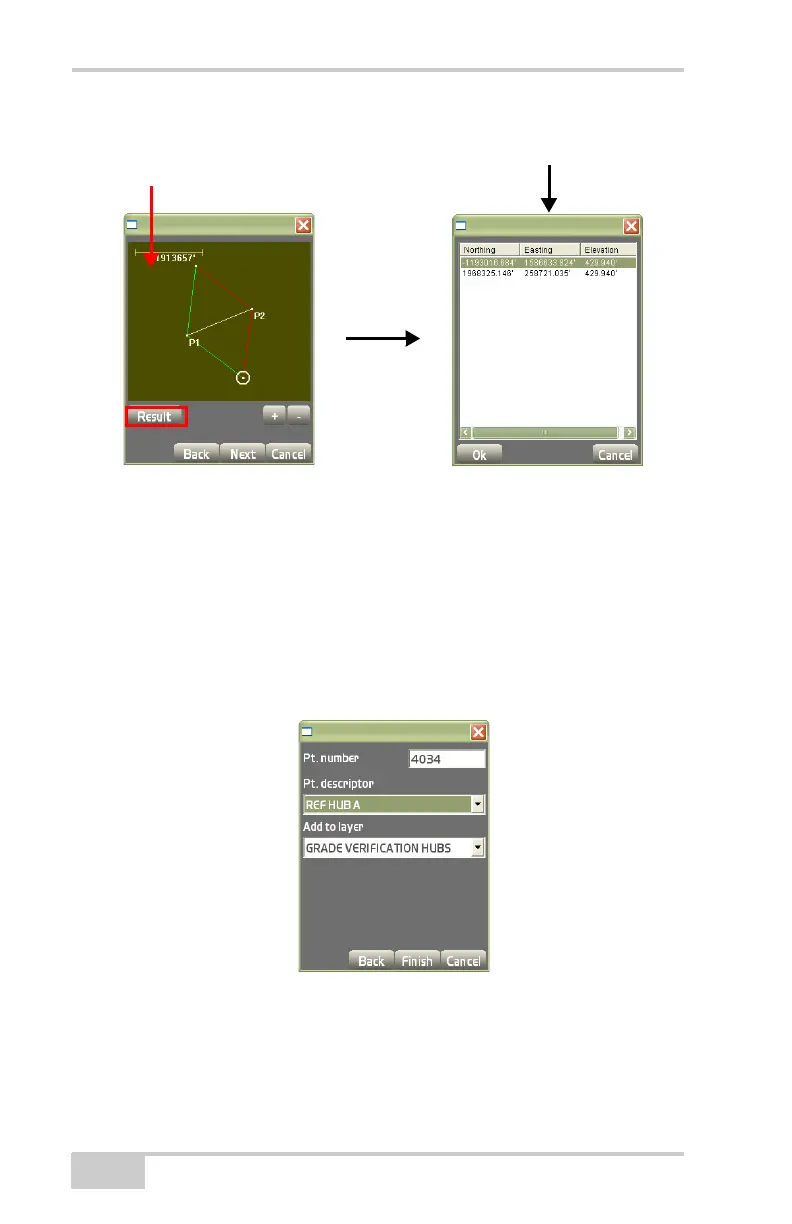
Figure 3-136. View Screen
On the point properties dialog box (Figure 3-137), enter the follow-
ing parameters for the point, then press Finish to return to the main
screen.
• Pt. number – enter the point number.
• Pt. descriptor – enter a description for the point.
• Add to layer – stores the point to the selected layer.
Figure 3-137. Point Properties
Newly Created
Point
Results Dialog Box



 To Next Page