Data Menu
Pocket-3D Reference Guide
3-16
The program always reminds the operator to confirm deletion of a
selected file. Select Ye s to confirm the deletion.
Import/Export
To import a control file, tap DataControlImport/Export
Points only (Figure 3-25). Files can be imported from Topcon Proj-
ect files (TP3), Control Point files (GC3), Topcon Point files (PT3),
and Text files (TXT).
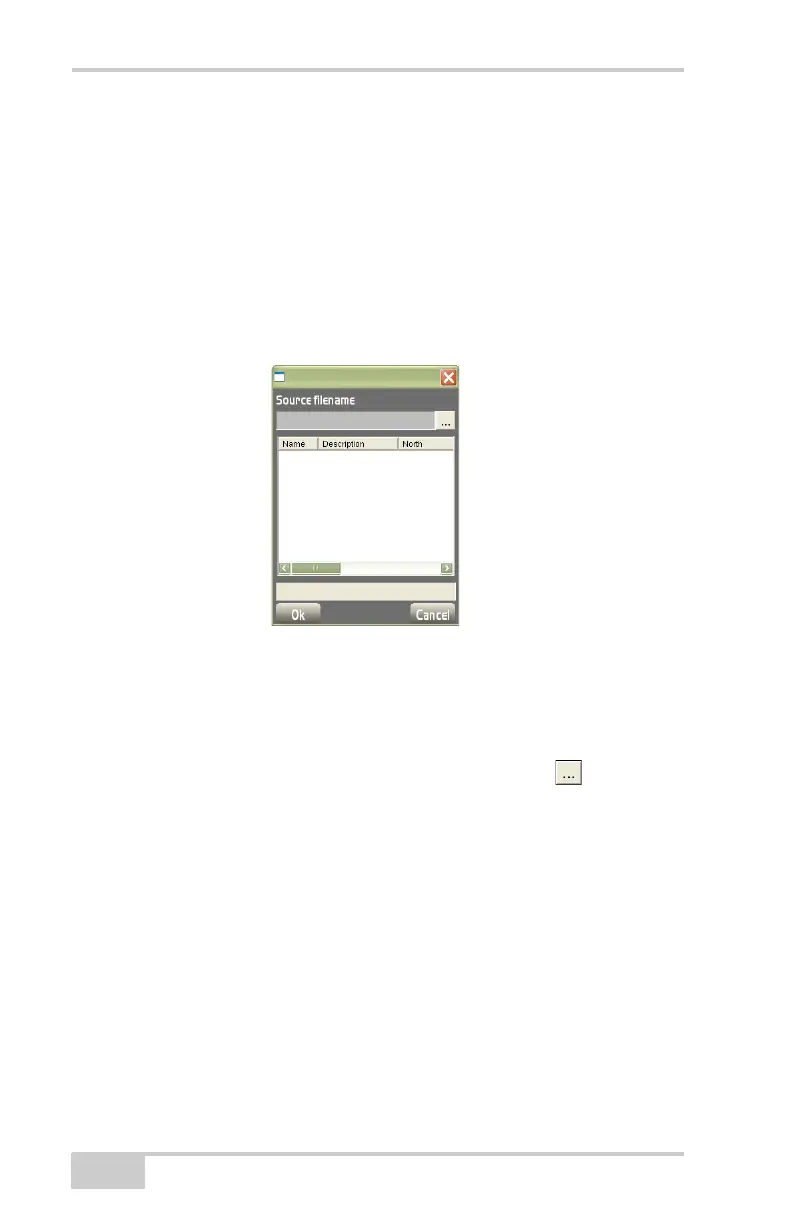
Figure 3-25. DataControlImport/ExportFrom Text File
On the file explorer dialog box (Figure 3-26 on page 3-17), navigate
to and select the control points to import and press Ok.
• Source filename – displays the location and name of the file from
which to import control points. Press the browse (
) button to
select a new/different control point file.
• Control point list – lists all point(s) in the selected file. Select the
point(s) to import into the current file and press Ok.



 To Next Page