Data Menu
Pocket-3D Reference Guide
3-72
Points
Used in 3D GPS+, Total Station, and Robotic applications, the Points
menu creates, edits, and deletes Point files. Point files can also be
copied between Pocket-3D and the Control Box using a Flash Card.
Point files contain multiple groups of points, measured with their
coordinates, and put together into a layer as with Linework files.
Listing
To add, edit, or delete a point with the selected Point file, do the fol-
lowing:
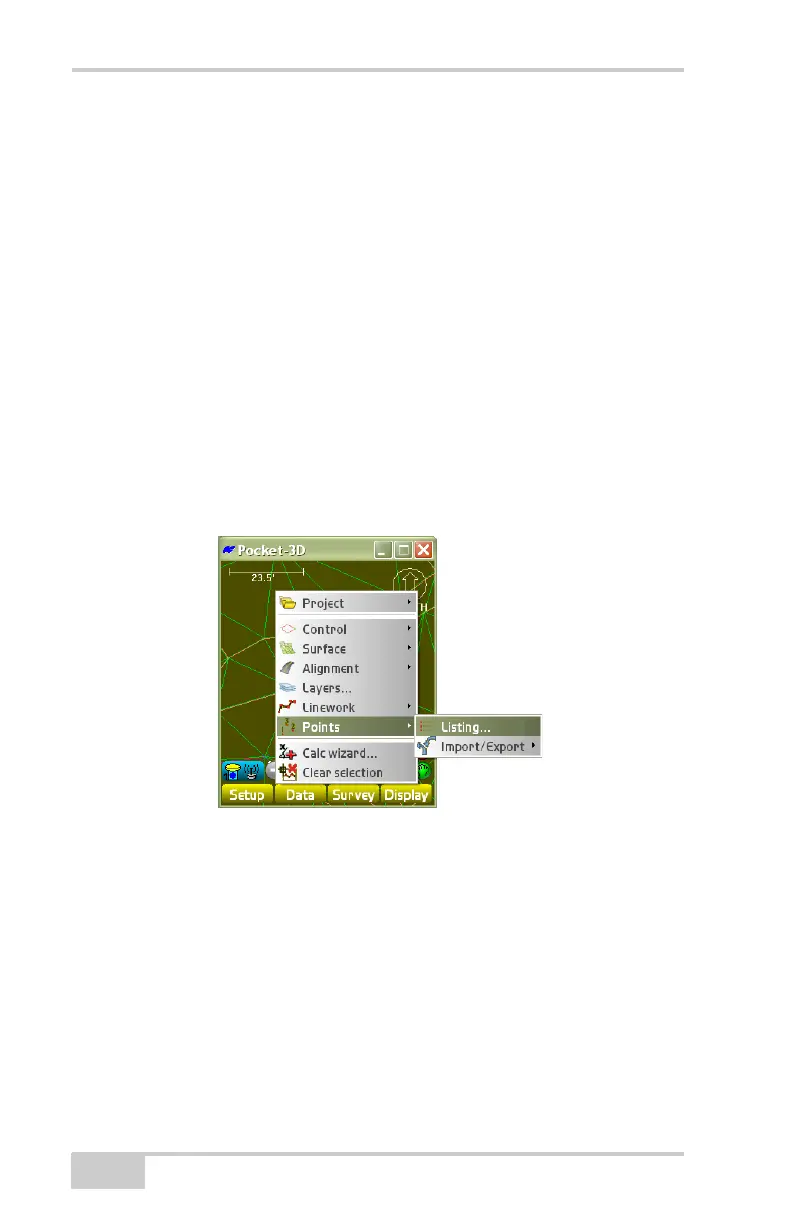
• Click Data PointsListing (Figure 3-107).
The points listing dialog box (Figure 3-108 on page 3-73)
displays all points within the selected file.
Figure 3-107. Create, Edit, and Delete Point Files
• Press Add to display the points parameters dialog box
(Figure 3-109 on page 3-74).



 To Next Page