Linework
P/N 7010-0628
3-71
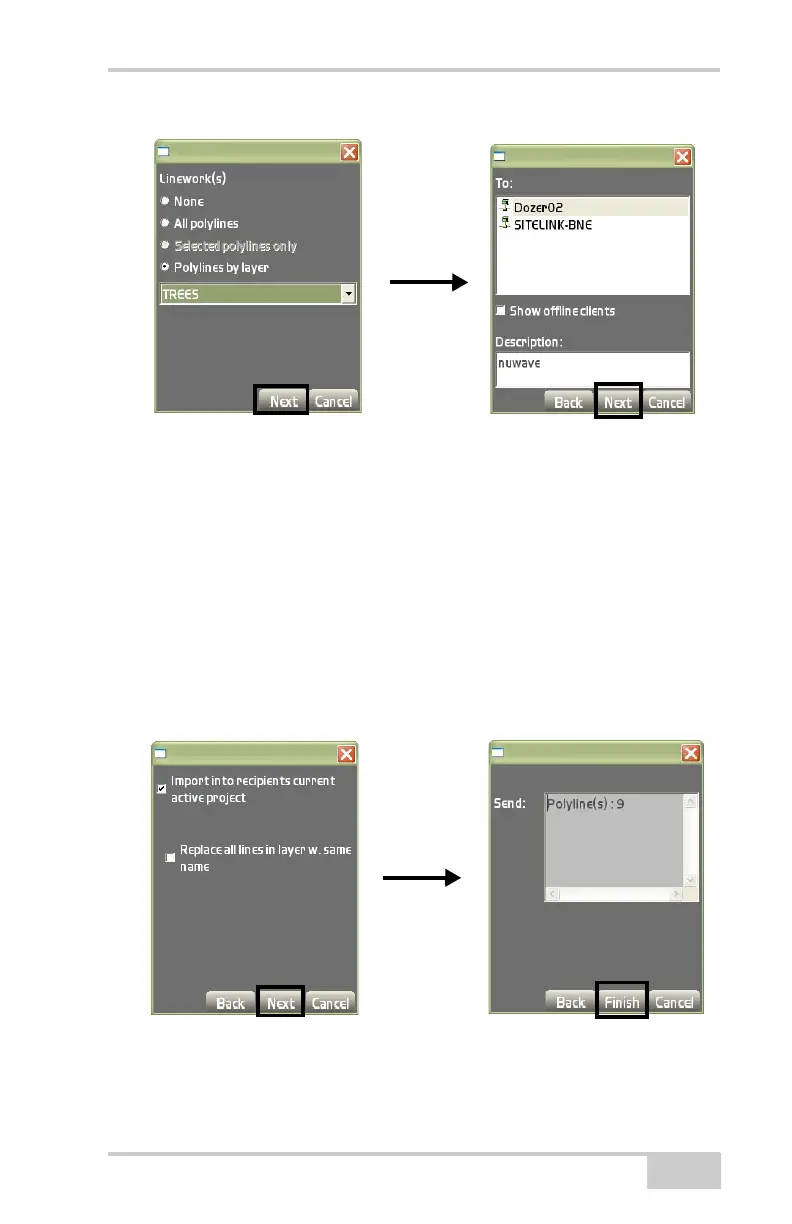
Figure 3-105. Import a Linework File
5. Press Next.
6. On the Import dialog box (Figure 3-106), check mark the Import
into recipient’s current active project box to send the linework/
polylines directly to the recipient’s project.
7. Check mark the Replace all lines in layer w.same name box to
prevent duplicate names.
8. Press Next.
9. On the Send: dialog box (Figure 3-106), press Finish to send the
save and return to the main screen.
Figure 3-106. Importing Polylines



 To Next Page