Grade Indicator
P/N 7010-0628
5-9
Grade Indicator
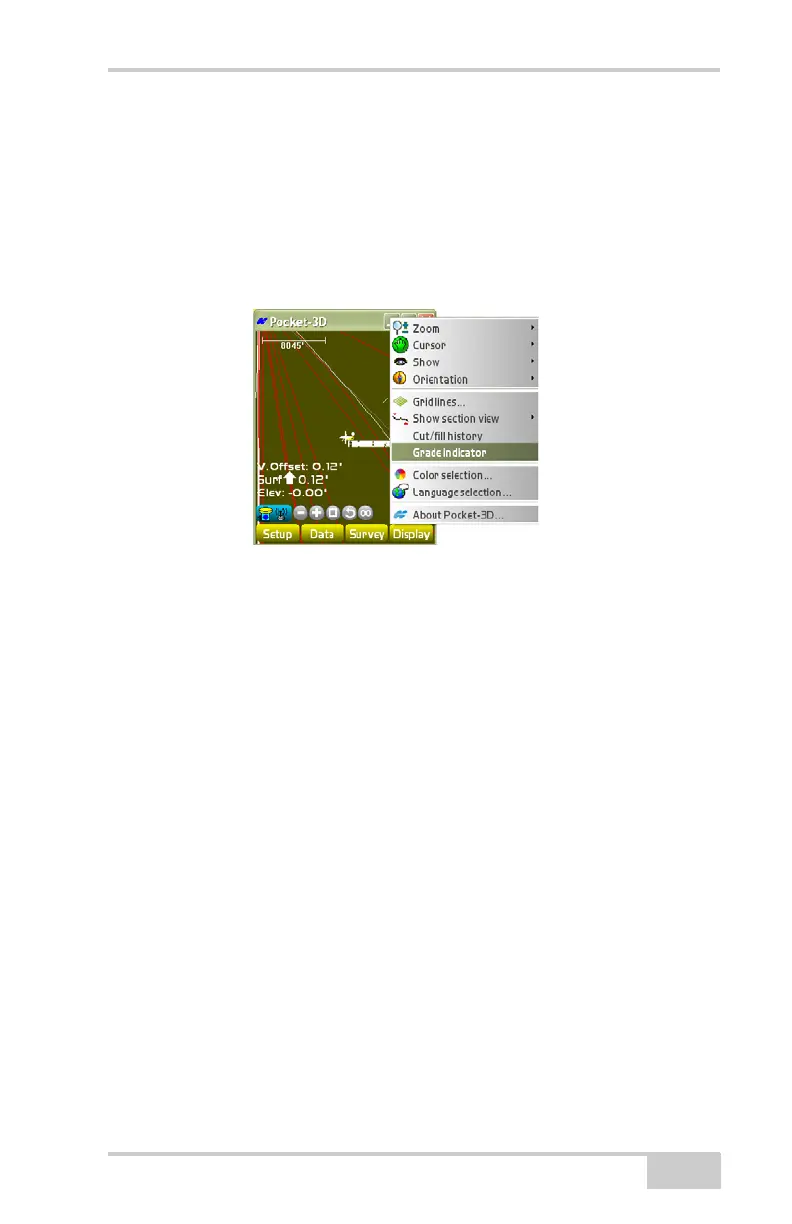
When there is an active surface the Grade Indicator option is available
in the Display menu.
To display the grade indicator for an active surface, tap Display
Grade indicator (
Figure 5-11).
Figure 5-11. Grade Indicator Option for an Active Surface
NOTE: Display Indicator options available only when an active
surface displays.
Color Selection
The Display menu changes the background color of the main screen.
All text (scale bar, point names, etc.) will automatically display in
either black or white, depending on the background color.



 To Next Page