Display Menu
Pocket-3D Reference Guide
5-10
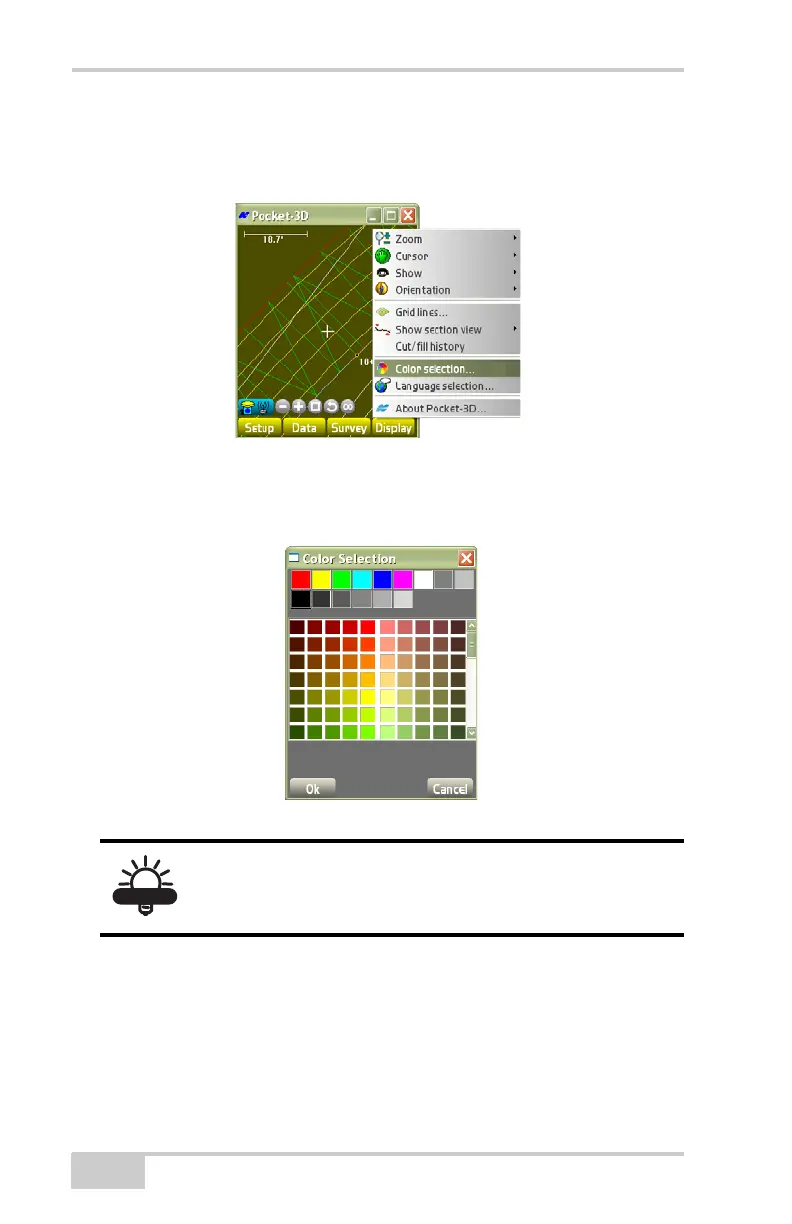
1. To change the color of the background for the main screen, tap
Display
Color selection (Figure 5-12).
Figure 5-12. DisplayColor Selection
2. On the color selection dialog box, select an appropriate
contrasting color and press Ok (
Figure 5-13).
Figure 5-13. Select Color
You will not see black points, linework, etc., on a
black background. Conversely, you will not see
white points, linework, etc., on a white background.



 To Next Page