Surface
P/N 7010-0628
3-45
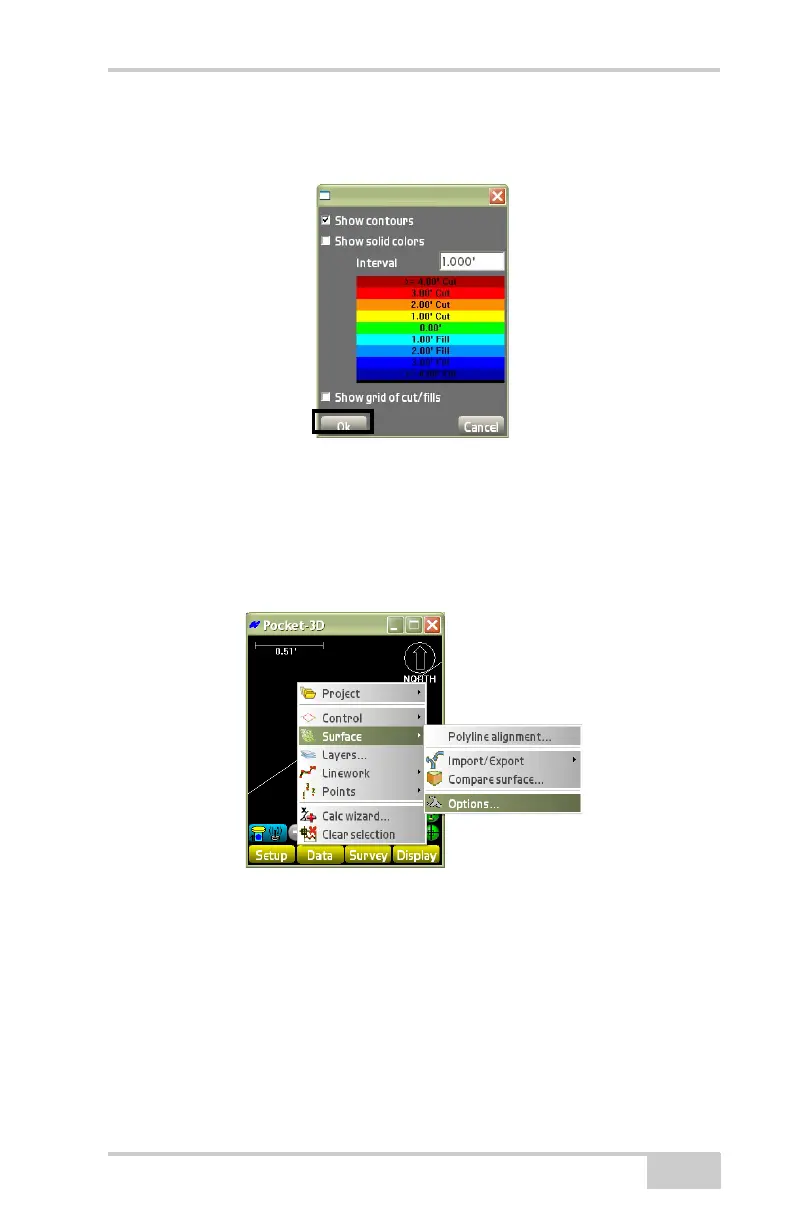
• Show grid of cut/fills – enable to display a grid of cut/fills on the
surface.
Figure 3-65. Surface Display Parameters
Surface Options
To change the view options of the selected surface, tap DataSur-
faceOptions (Figure 3-66).
Figure 3-66. DataSurfaceOptions
On the Options dialog box (Figure 3-68 on page 3-47), select the
desired options for the selected surface, then press Ok. The selected
surface type affects the available options.
• TIN Surface Model (Figure 3-67 on page 3-46)
– Show triangles: enable to display the triangles on the selected
surface. Press the Color button to set a color for the triangles.



 To Next Page