Setup Menu
Pocket-3D Reference Guide
2-50
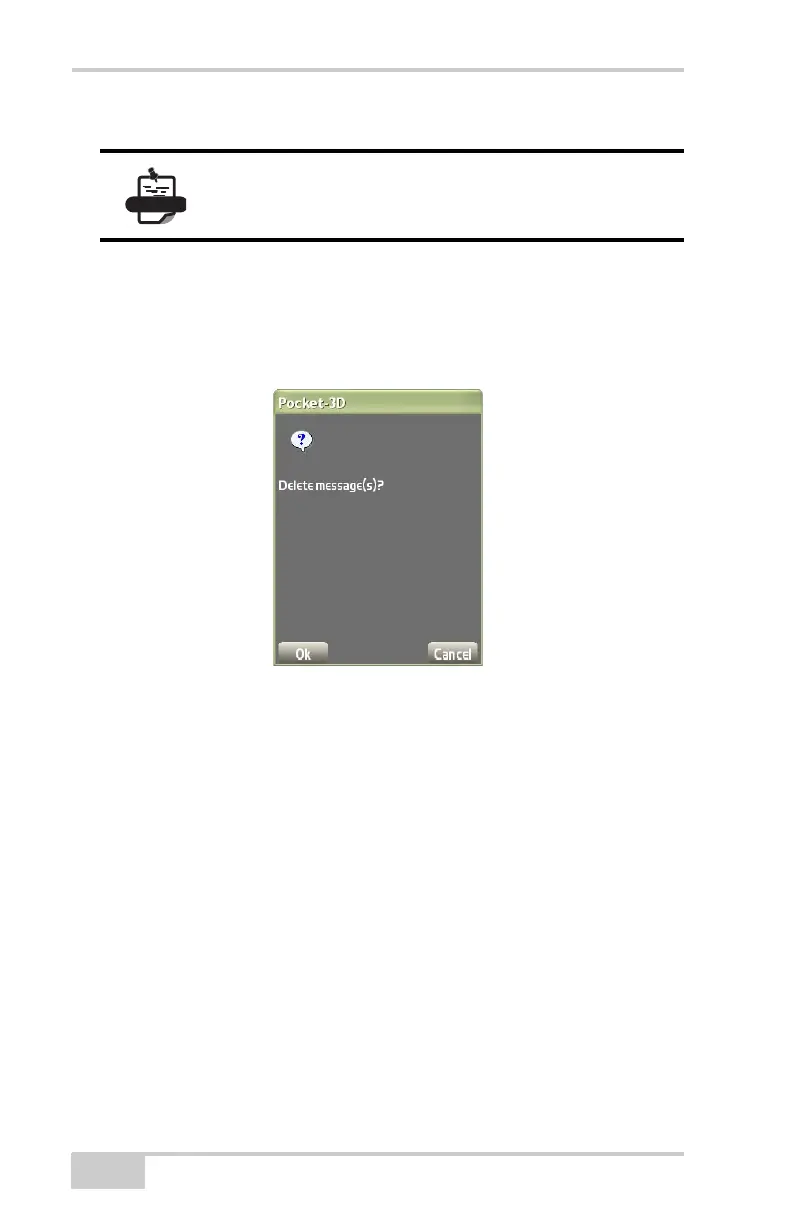
To delete a message, do the following:
1. Press SetupSite-LinkDelete message(s) (Figure 2-67).
2. Press Ok to delete all messages and return to the Main Screen
(
Figure 2-67).
Figure 2-67. Delete Messages
Send Any File to the Jobsite
If there is a file the machine operator needs, it is possible to send a file
to the operator without delay.
1. Press SetupSite-LinkSend any file (Figure 2-68 on
page 2-51).
2. On the Open dialog box, highlight a file to select it and press
Open.
3. On the Send dialog box, highlight a file to send in to To field.
In the To field, you can select the machine, office computer, or
any other survey crew to send the file(s) to.
4. Press control-Shift to send to multiple people. You can even send
the file to people off-line if the Show offline clients box is
When a new message arrives in Pocket-3D, you will
hear a “Ding-Dong” sound on the main screen.



 To Next Page