Calculation Wizard
P/N 7010-0628
3-105
On the point properties dialog box (Figure 3-159), enter the follow-
ing parameters for the point, then press Finish.
• Pt. number – enter the point number.
• Pt. descriptor – select a point descriptor from the drop-down box.
• Add to layer – choose the layer from the list in which you want to
store the point.
Figure 3-159. Point Properties
Convert Polyline to Alignment
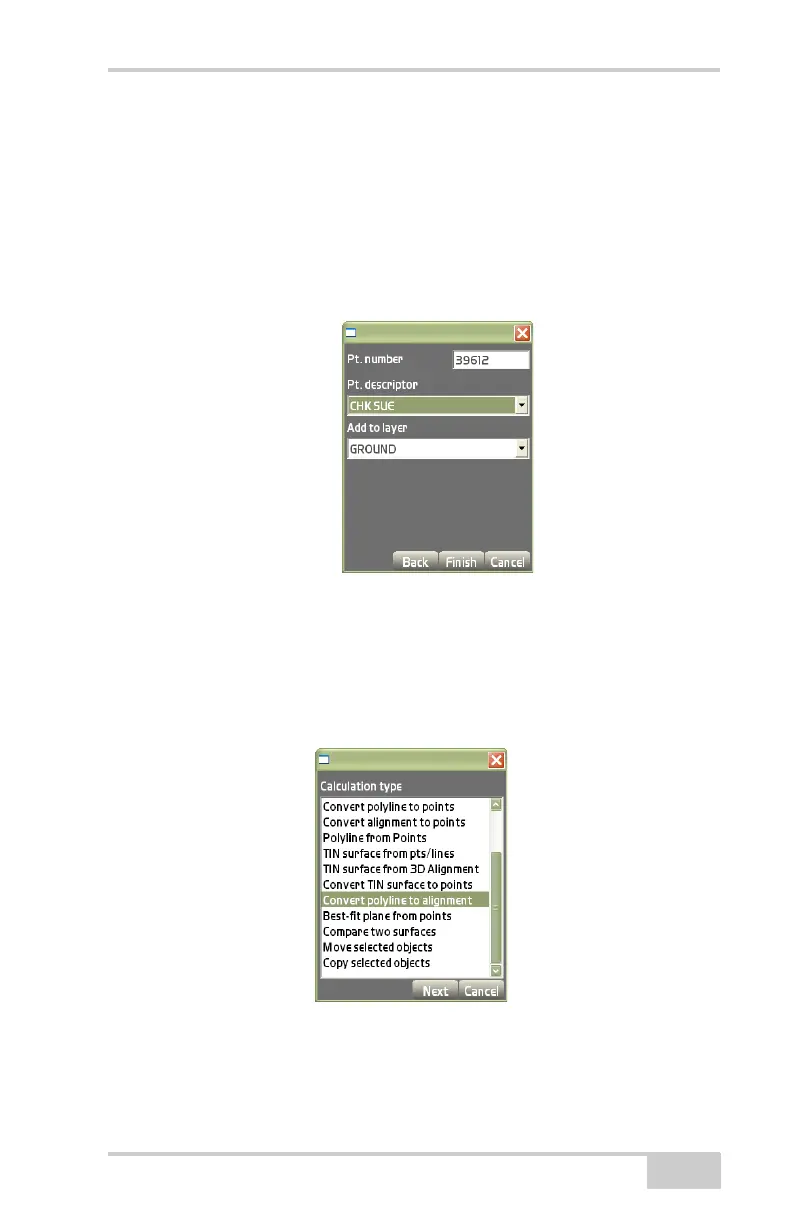
On the Calculation type dialog box (Figure 3-160), select Convert
polyline to alignment, then press Next.
Figure 3-160. Calculation Type – Convert Polylines to Alignment
This process creates an RD3 file from a polyline selected on the main
screen.



 To Next Page