Stake-out
P/N 7010-0628
4-29
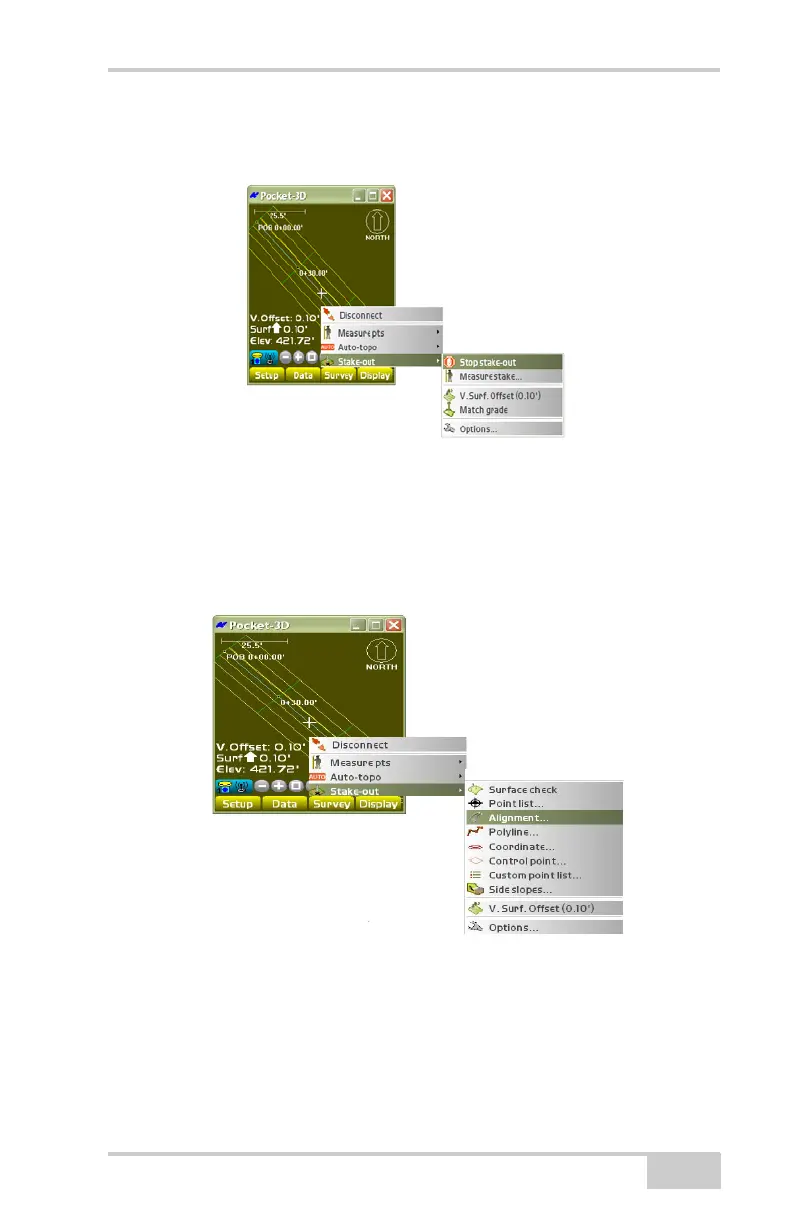
To stop staking out the selected point, tap SurveyStake-outStop
stake-out (
Figure 4-45).
Figure 4-45. SurveyStake-outStop Stake-out
Alignment
To stake-out an alignment, tap SurveyStake-outAlignment
(
Figure 4-46).
Figure 4-46. SurveyStake-outAlignment
On the alignment stakeout parameters dialog box, select or enter
Station and Elevation parameters, then press Ok (
Figure 4-47 on
page 4-31).



 To Next Page