Survey Menu
Pocket-3D Reference Guide
4-28
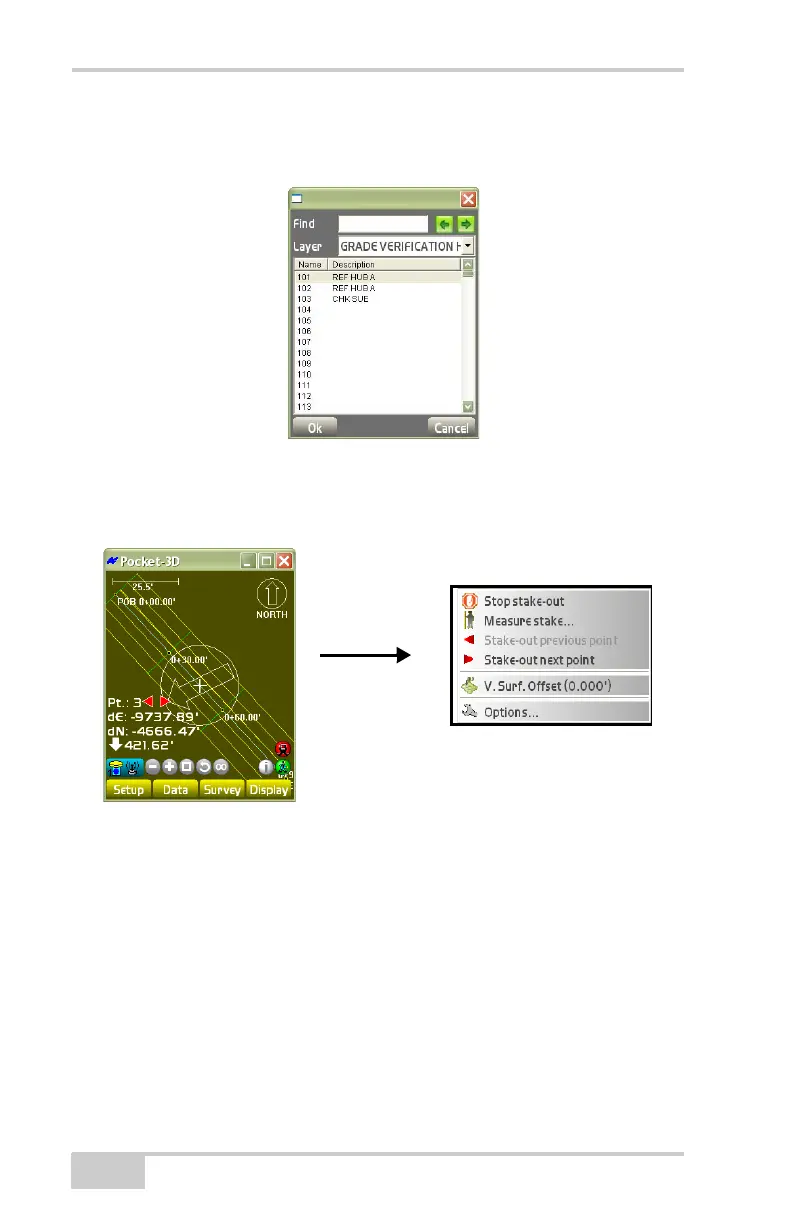
On the point list dialog box, select the layer and the point for
stakeout, then press Ok (
Figure 4-43).
Figure 4-43. Point List Dialog Box
If the point to be staked lies outside the screen area, the main screen
displays an arrow pointing in the direction of the point (
Figure 4-44).
Figure 4-44. Main Screen Arrow
See the following sections for details on the other menu selections
during a stake-out:
• “Measure Stake” on page 4-44
• “Stake-out Previous Point” on page 4-47
• “Stake-out Next Point” on page 4-48
• “V. Surface Offset” on page 4-54
• “Options” on page 4-55



 To Next Page