Display Menu
Pocket-3D Reference Guide
5-6
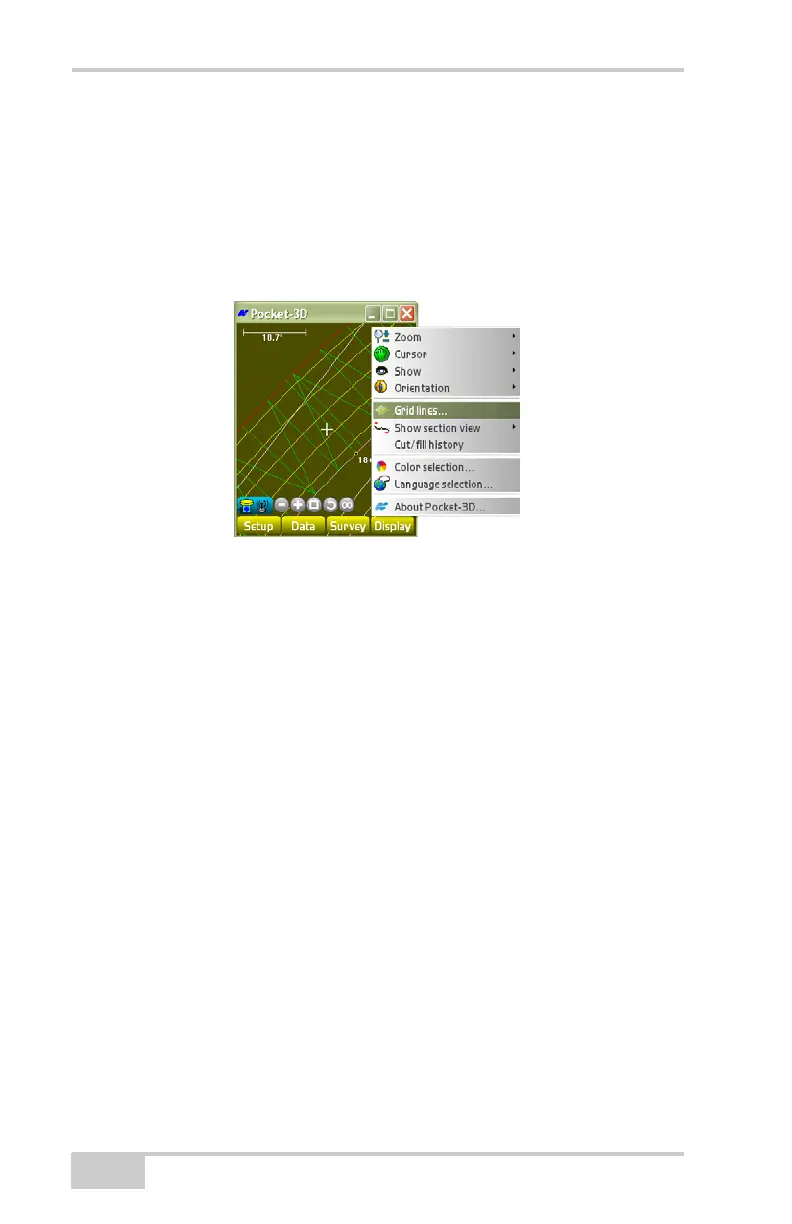
Grid Lines
The grid lines function overlays a grid, with cells at a set interval and
orientation over the field surface and the main screen.
To view or change the grid-lines display, tap DisplayGrid lines
(
Figure 5-6).
Figure 5-6. Grid Lines Display
On the Grid-lines dialog box (Figure 5-7), select the desired options
for grid-lines, then press Ok.
• Display grid-lines – check mark this box to display grid-lines on
the main screen; uncheck mark this box to delete grid lines. on
the main screen.
• Grid interval – enter a grid interval for the mainfall.
• Grid interval (Crossfall) – enter a grid interval for the crossfall.
• Orientation – enter the orientation of the grid-lines (if you prefer.
• Align grid – press the Align grid button to align the grid to the
current position chosen for orientation.



 To Next Page