Display Menu
Pocket-3D Reference Guide
5-2
Zoom
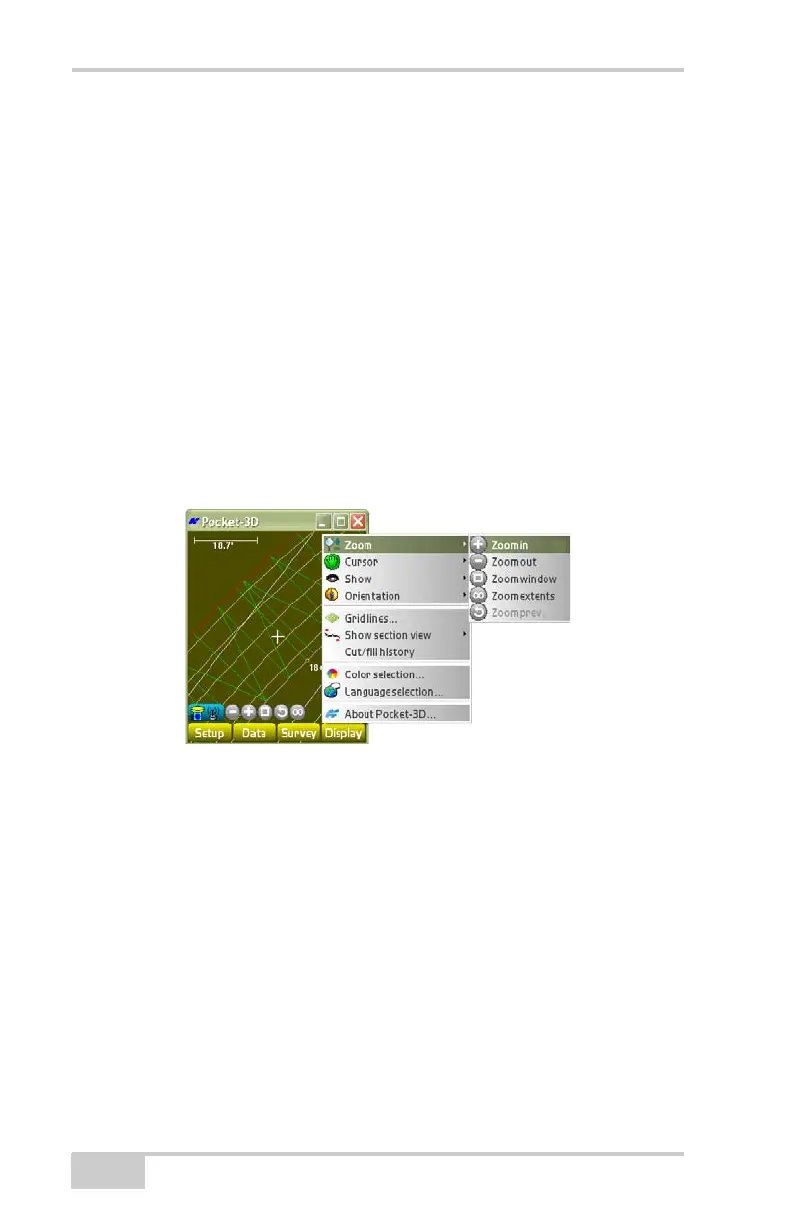
The Zoom Display menu option allows you to zoom in or out of the
main screen. You can also select an area to view.
To choose a zoom function, tap DisplayZoom (Figure 5-2).
• Zoom in – magnifies the main screen by 25%; zooms in around
the main screen.
• Zoom out – magnifies the main screen by -25%; zooms out
around the main screen.
• Zoom window – zooms to a window drawn on the main screen.
• Zoom extents – displays the extent of the project.
• Zoom prev. – displays the previous view.
Figure 5-2. Zoom Options



 To Next Page