Survey Menu
Pocket-3D Reference Guide
4-44
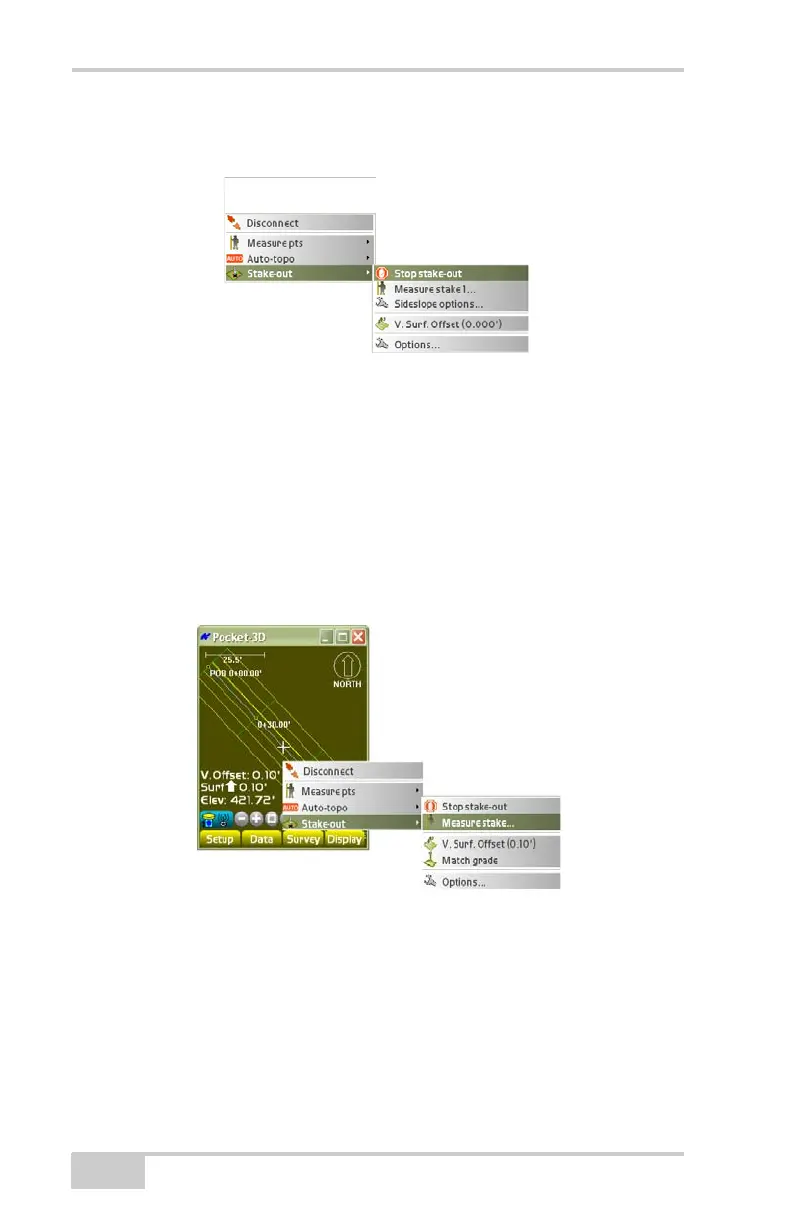
To stop the side slope stake-out, tap SurveyStake-outStop
stake-out (
Figure 4-68).
Figure 4-68. Stop Side Slope Stake-out
Measure Stake
The Measure stake menu is available during point list, alignment, or
side slope stakeouts. To activate the measure stake menu, tap
Survey
Stake-outPoint list / Alignment / Create custom point
list / Side slopes.
To measure the point or alignment tap SurveyStake-out
Measure stake (Figure 4-69).
Figure 4-69. SurveyStake-outMeasure Stake
The Measuring dialog box displays, then the results screen shows the
following information, depending on the stake-out point method



 To Next Page