Stake-out
P/N 7010-0628
4-45
(Table 4-1).
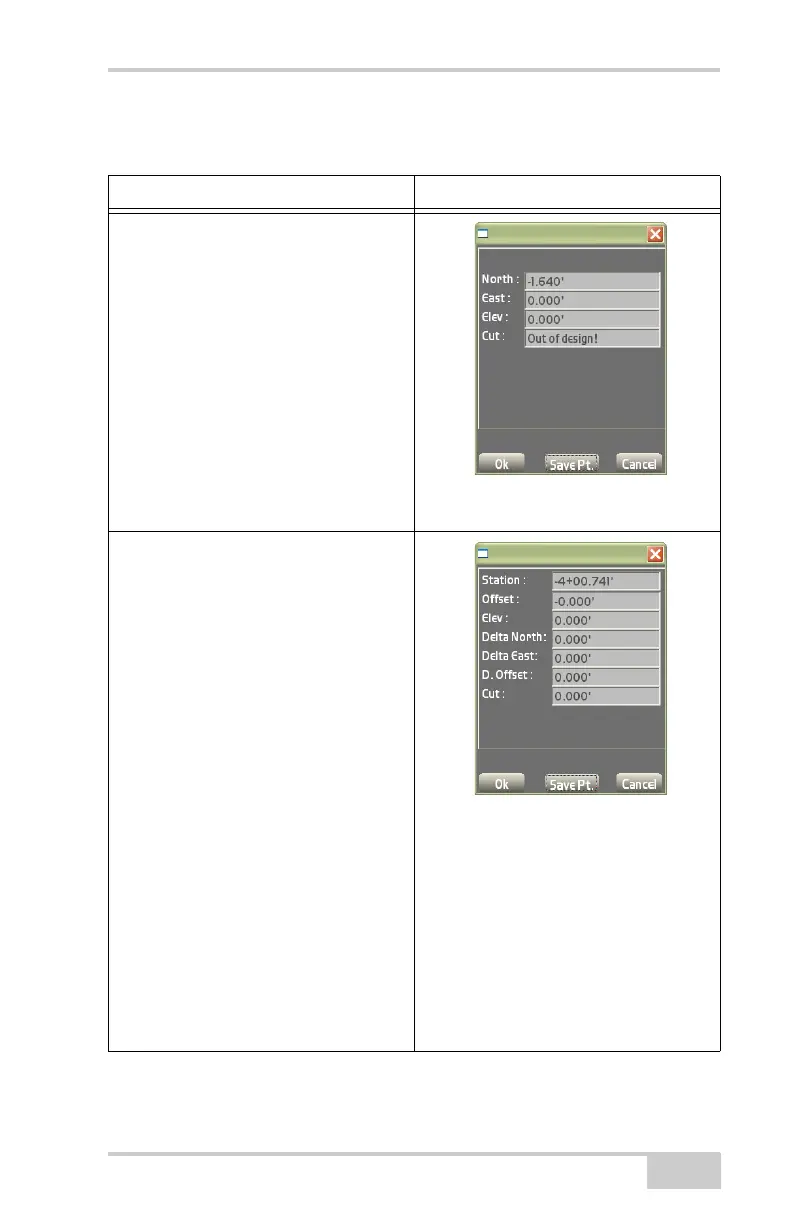
Table 4-1. Results Screen
Stake-out Point Method Results Screen
Surface Check
• North – shows the distance North of
the surface being staked.
• East – shows the distance East of the
surface being staked.
• Elev – shows the current elevation.
• Cut/fill – shows the current cut/fill
information.
• Ok – press to save and return to the
Main Screen.
• Save Pt. – press to save a control
point and its respective information.
Alignment / Polyline
• Station – shows the current position of
the station.
• Offset – shows the offset number from
the stationing line.
• Elev – shows the elevation point.
• Delta North – shows the target point
north of the measured stake/your
current position.
• Delta East – shows the target point
east of the measured stake/your
current position.
• D. Offset – shows the offset to the
right of the design station.
• Cut/Fill – shows the cut/fill value in
relation to the design surface.
• Ok – press to save and return to the
Main Screen.
• Save Pt. – press to save a control
point and its respective information.



 To Next Page