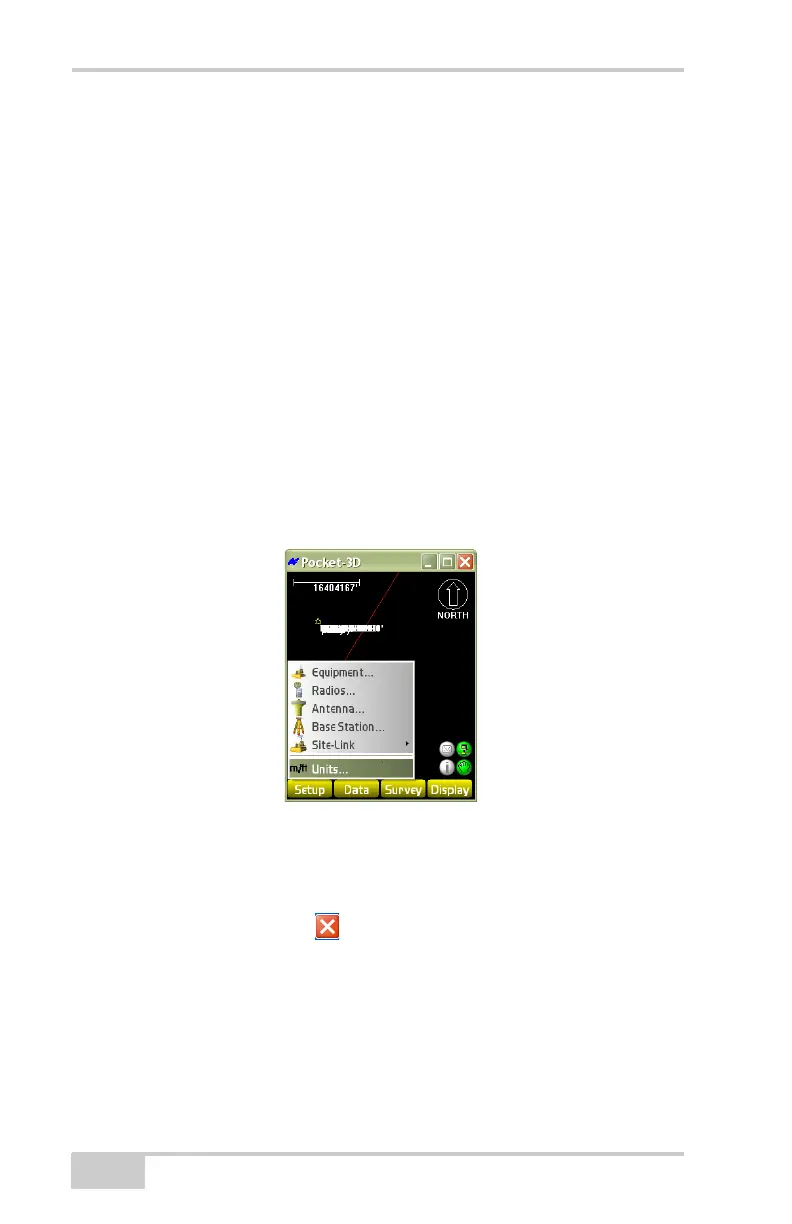
Setup Menu
Pocket-3D Reference Guide
2-12
If using Feet+Inches, all values will show as 1'11''1/2 where 12
inches equal 1 foot and any value smaller than an inch will show
as a fraction of an inch.
• Decimal Places – select either 0, 1, 2, 3, or 4 decimal places.
• Angles – select either DD°MM’SS”, NDD°MM’SS”E, Gons, or
DD.DDDD°.
• Areas – select either Square meters, Square feet, Acres, or
Hectares.
• Volumes – select either Cubic meters or Cubic yards.
• Coords – select either North-East-Elev, East-North-Elev,
X-Y-Z, or X-Y-Z South Azimuth.
• Stations – select either 100.000, 1+00.000, 10+0.000, or
1+000.000.
• Grades – select either Percent (%), Run : Rise, or Rise : Run.
Figure 2-18. Units Parameters
Exit
To exit Pocket-3D, tap the icon in the upper-right corner of the
screen.



 To Next Page