GPS Status Information
P/N 7010-0628
1-23
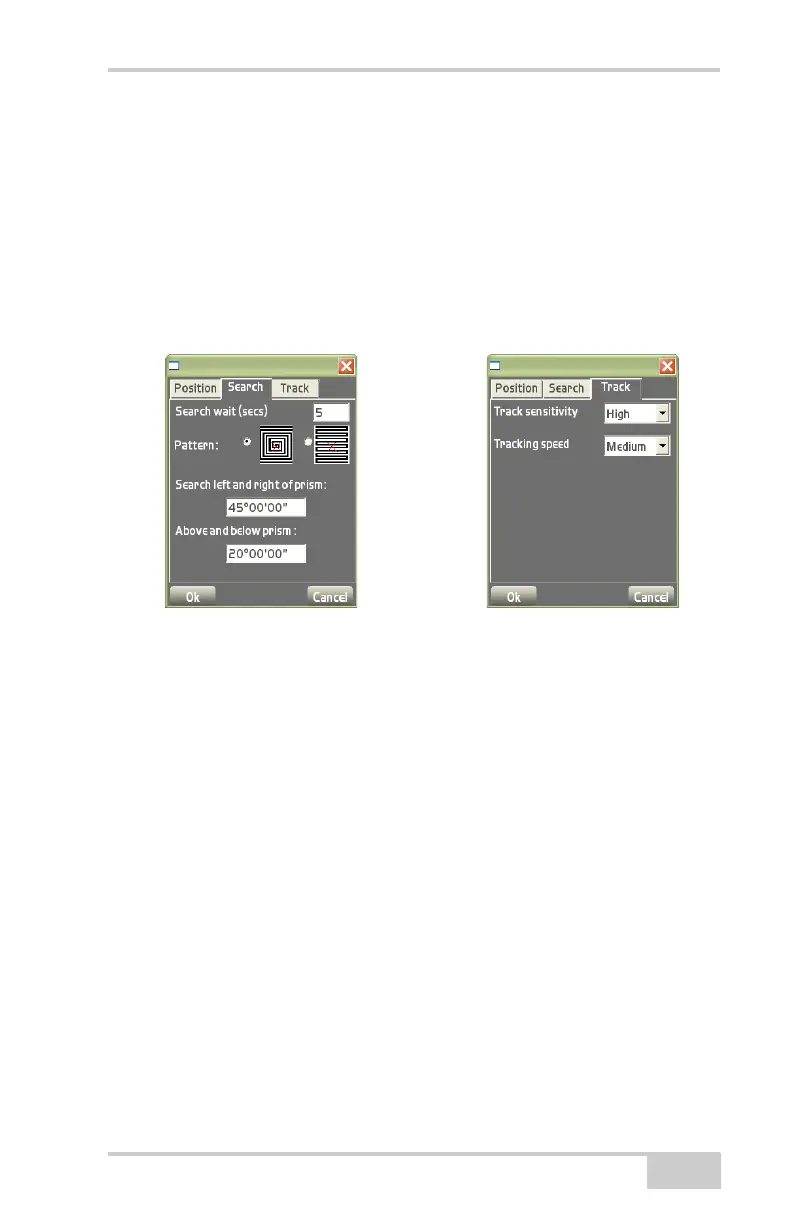
• Above and below prism – enter the angle above and below the
prism in which to search.
Set Total Station Tracking Sensitivity and
Speed
To set total station tracking parameters (Figure 1-27), press the Total
Station status button, then tap the Track tab on the total station
status dialog box.
Figure 1-27. Search/Track Tabs for Total Station



 To Next Page