Total Station Applications
P/N 7010-0628
2-31
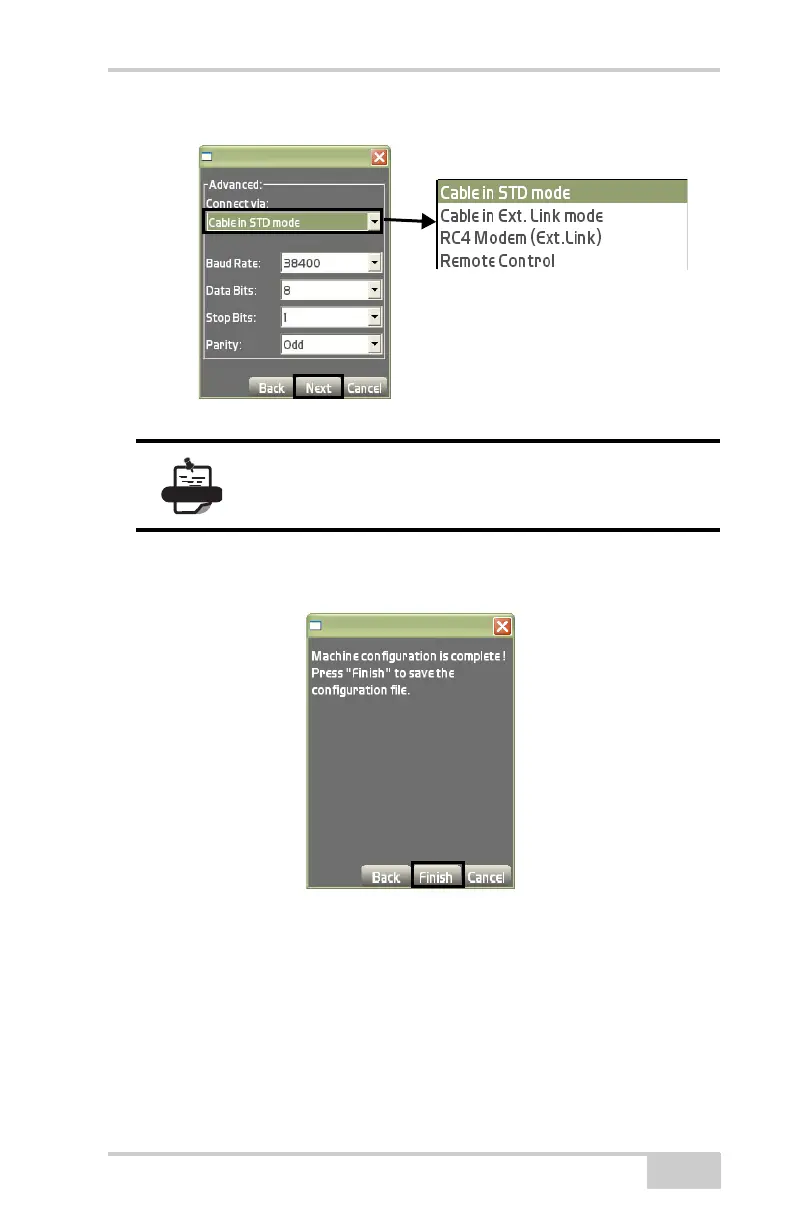
Figure 2-42. Select Total Station Connection Type
A confirmation box displays to save the machine configuration file.
Press Finish (
Figure 2-43).
Figure 2-43. Save the Configuration
Range-pole
To set up the range pole, tap SetupRange-pole (Figure 2-44 on
page 2-32).
On the range pole setup dialog box (Figure 2-44 on page 2-32), select
or enter the following parameters and press Ok.
The Advanced dialog box is only available when a
Prism sensor is selected.



 To Next Page