Setup Menu
Pocket-3D Reference Guide
2-30
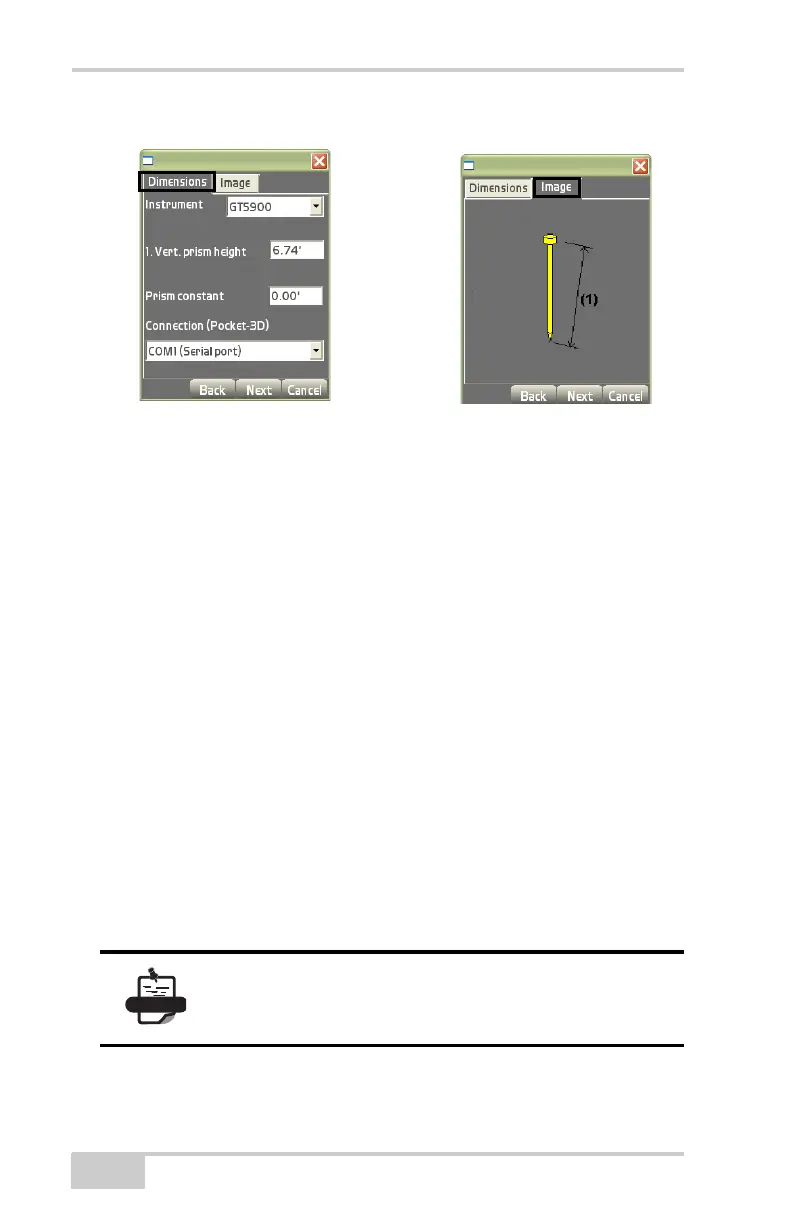
Figure 2-41. Setup/Image Tabs for Total Station
On the Advanced dialog box (for prism sensors only), select how you
want to connect the total station (
Figure 2-42 on page 2-31), then
press Next.
• Cable in STD mode – select to connect the total station via serial
cable or Bluetooth if the total station is in STD (standard)
measurement mode.
• Cable in Ext. Link mode – select to connect the total station via
serial cable or Bluetooth.
• RC4 Modem (Ext.Link) – select to connect the total station via
RC4 modem if the total station is in external link mode.
• Remote Control – select to connect the total station via serial
cable or Bluetooth if the total station is in external link mode.
• Baud rate – select either 600, 1200, 2400, 4800, or 9600
• Data Bits – select either 7 or 8
• Stop Bits – select either 1 or 2
• Parity – select either Odd or Even
For a conventional total station, the GTS 200 for
example, you can only connect via Cable in
Standard Mode.



 To Next Page