Setup Menu
Pocket-3D Reference Guide
2-18
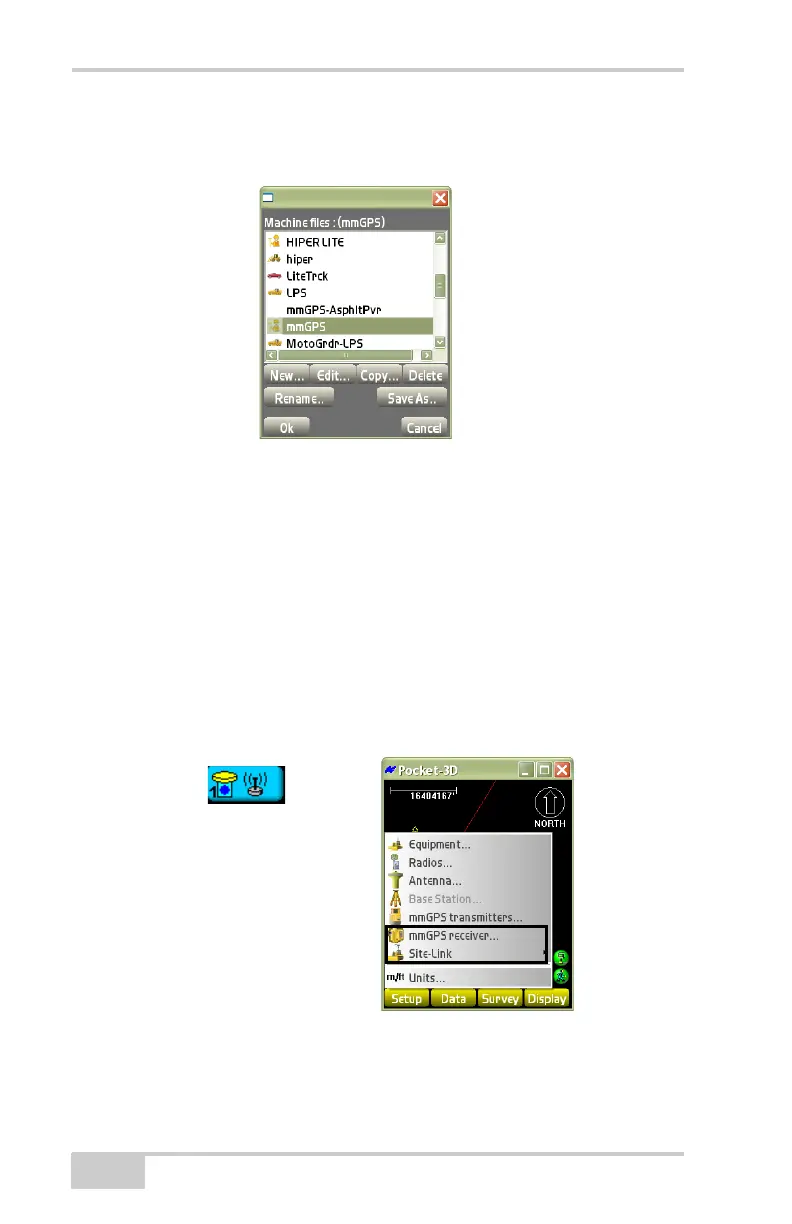
6. On the Machine files dialog box (Figure 2-25), press Ok to apply
the configuration file as the current equipment.
Figure 2-25. Select Equipment Configuration
mmGPS Applications
In mmGPS applications, the Setup menu (Figure 2-26) has the
following additional menu items. Except for mmGPS setup options,
the Setup menu for mmGPS applications is the same as for GPS
applications. Other differences are noted below.
• mmGPS transmitters
• mmGPS receiver
Figure 2-26. Setup Menu for mmGPS Applications



 To Next Page