Equipment Configuration Files
P/N 7010-0628
2-17
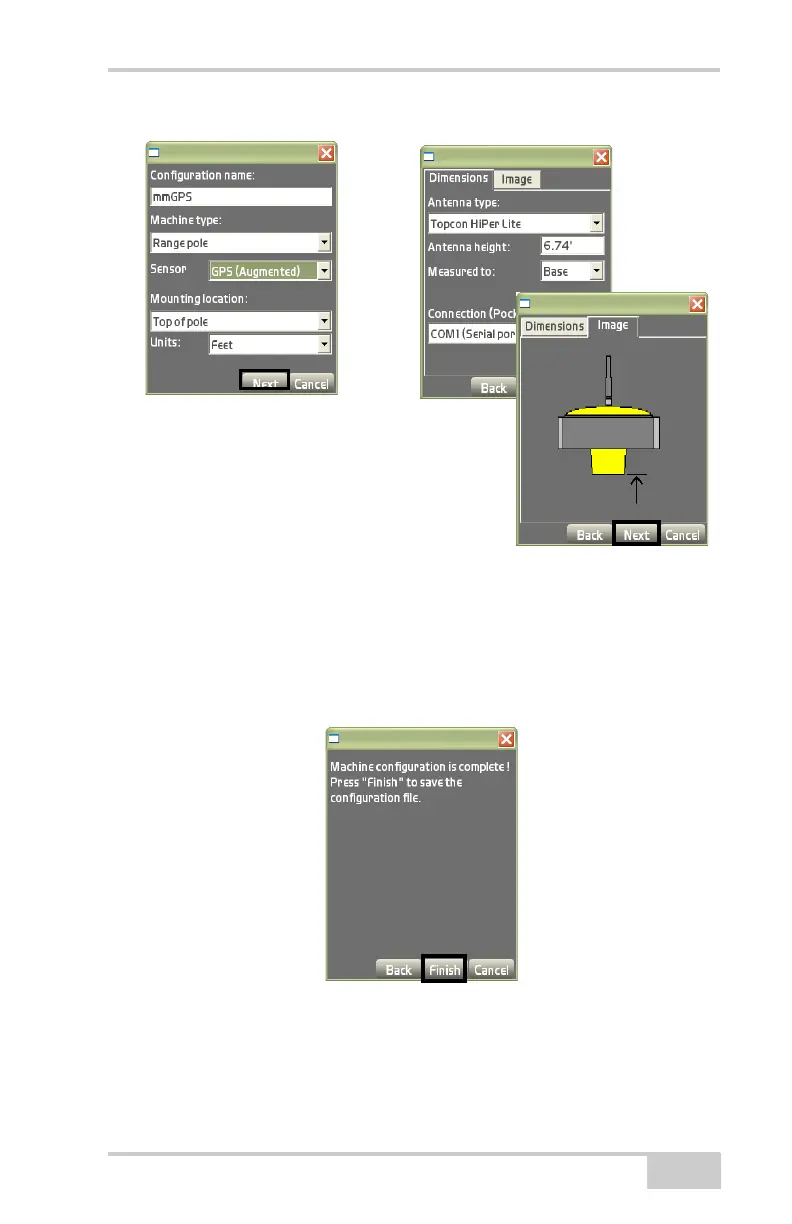
Figure 2-23. Example – GPS (Augmented) Equipment Configuration
3. Press Next to display the confirmation screen dialog box
(
Figure 2-25).
4. Press Finish to return to the Machine files dialog box
(Figure 2-24).
Figure 2-24. Machine Configuration Complete
5. On the Machine files dialog box (Figure 2-25), select the new or
edited configuration file and press Ok.



 To Next Page