Total Station Survey Applications
P/N 7010-0628
4-59
• Auto-topo/Stop auto-topo
•Stake-out
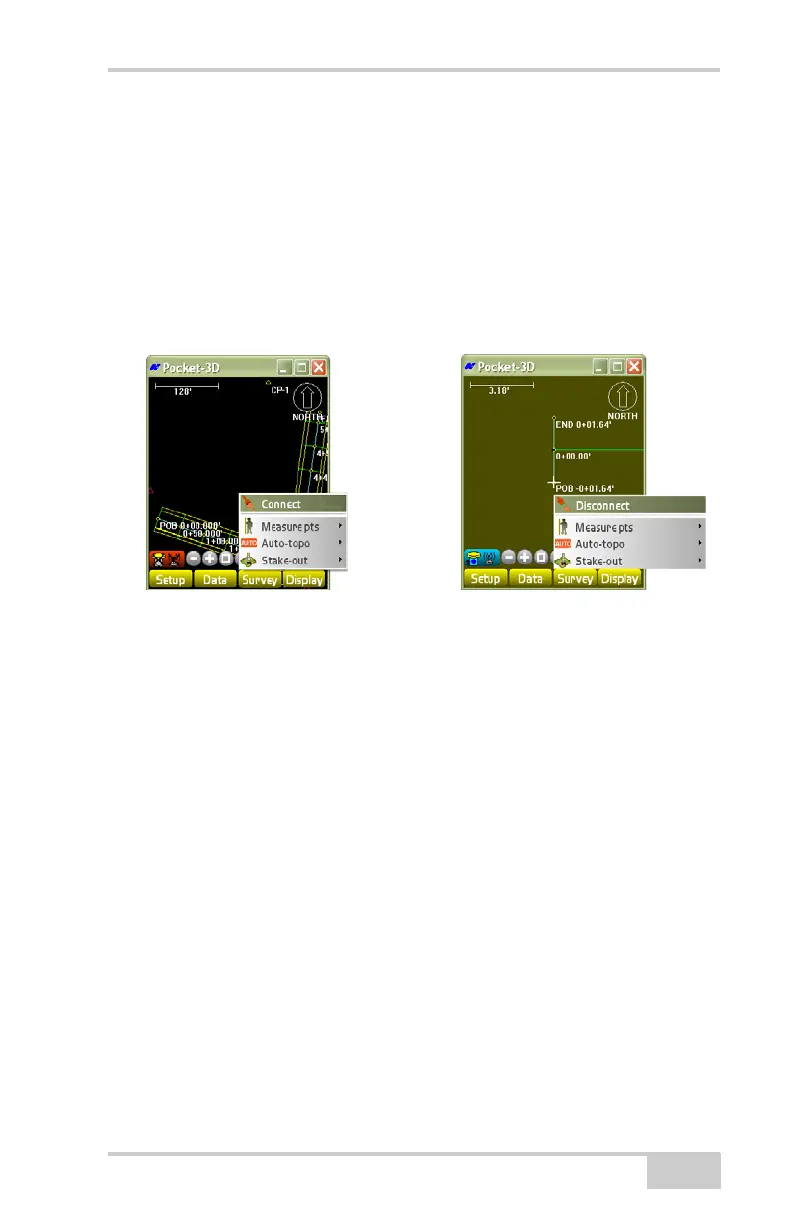
Connect/Disconnect Total Station
To enable or disable a connection with a total station, tap Survey
Connect/Disconnect (Figure 4-87).
Figure 4-87. Connect/Disconnect to Total Station
Measure Points
The Measure pts menu collects points, points with offsets, a reference
line, and polylines in the field. The following sections note only the
differences in these menus for total station applications.
For further details on the Measure pts menu options and setup
screens, see
“Measure Points” on page 4-59.
Topo-shot With Offset
To collect a topo-shot with offset, tap SurveyMeasure pts.
Topo-shot w. offset. See “Topo-shot” on page 4-3 for details on the
topo-shot tab.
On the Offset tab, enter the actual location where the collected shot
was taken, then press Ok (
Figure 4-88 on page 4-60).
To select the location of this measurement press the Above button to
toggle between Above/Below.
Total Station – Disconnected
Total Station –



 To Next Page