mmGPS Applications
P/N 7010-0628
2-27
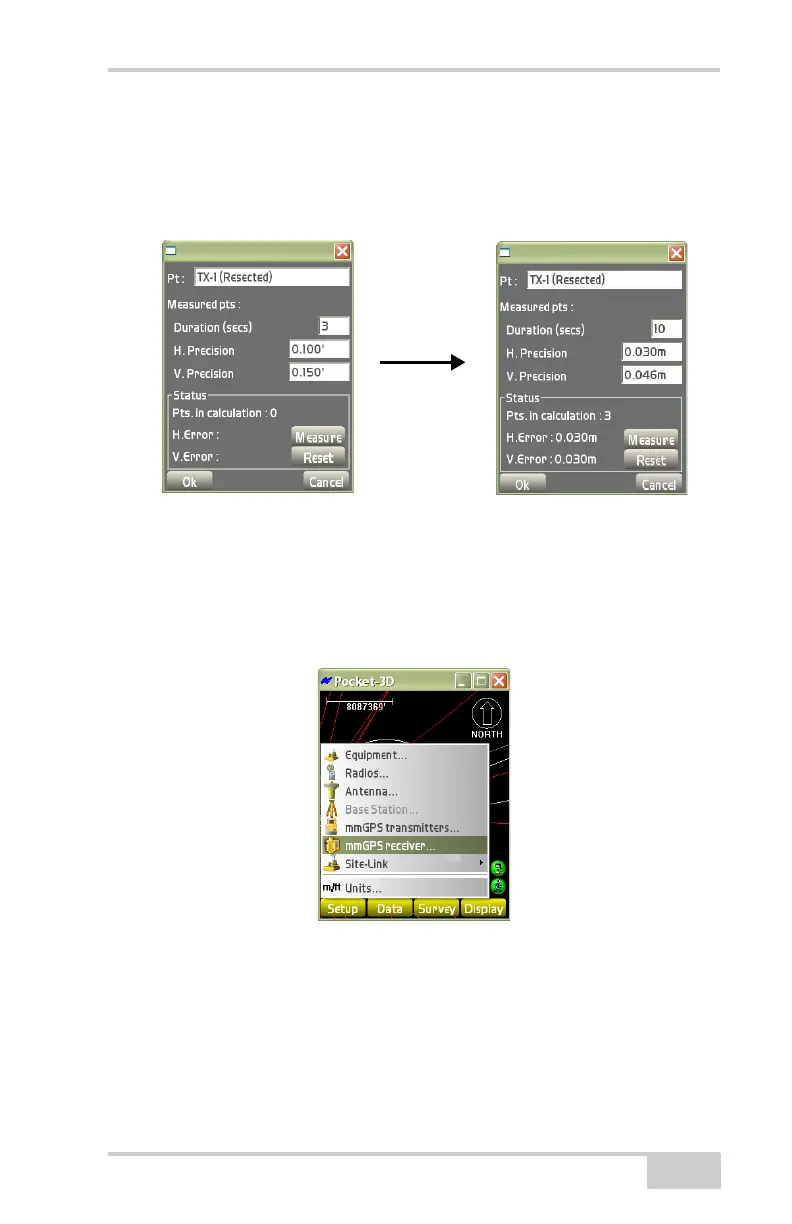
The point name will be automatically added to the list of control
points as “TX-[n] (Resected)”, where “n” is the channel number.
Subsequent resections with the same transmitter will overwrite any
previous points.
Figure 2-37. mmGPS Resection Result
mmGPS Receiver
To set mmGPS receiver information, tap SetupmmGPS receiver
(
Figure 2-38).
Figure 2-38. Select mmGPS Receiver Parameters
On the mmGPS setup dialog box, set the following parameters and
press Ok (
Figure 2-39 on page 2-28):
• GPS port – select the port used for communication between
receiver and sensor (typically port D).



 To Next Page