Setup Menu
Pocket-3D Reference Guide
2-26
• take measurements at three or more points around the Base
transmitter in a balanced, symmetrical pattern (not clustered in
one area)
• have the sensor facing towards the transmitter during each
measurement
• angle the sensor between 6° higher or lower than the transmitter’s
beam, not straight on
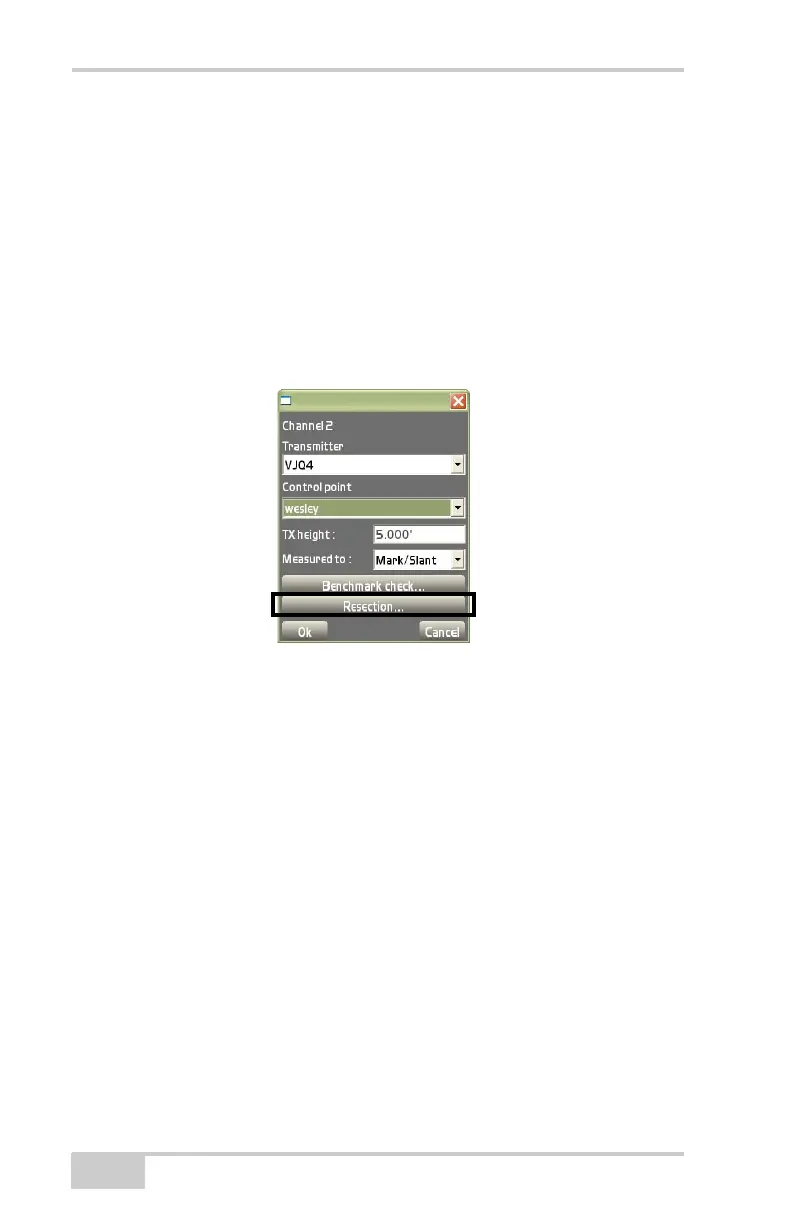
To begin a resection, press the Resection button on the channel setup
dialog box (
Figure 2-36).
Figure 2-36. Begin Resection
On the resection dialog box, enter the following parameters and press
Measure (
Figure 2-37 on page 2-27). During the measurement, the
Measuring dialog box displays. When done, the Pts. in calculation
field will increment by one.
• Duration (secs) – enter the duration, in seconds, in which to
measure the point.
• H. Precision / V. Precision – enter a horizontal / vertical precision,
in the project’s units, with which to measure the point.
• Measure – After three points have been successfully measured,
horizontal and vertical errors for the measured point will display
(
Figure 2-37 on page 2-27). Further measurements should
improve the positional error.
• Reset – press to clear measurements and start again.



 To Next Page