Survey Menu
Pocket-3D Reference Guide
4-24
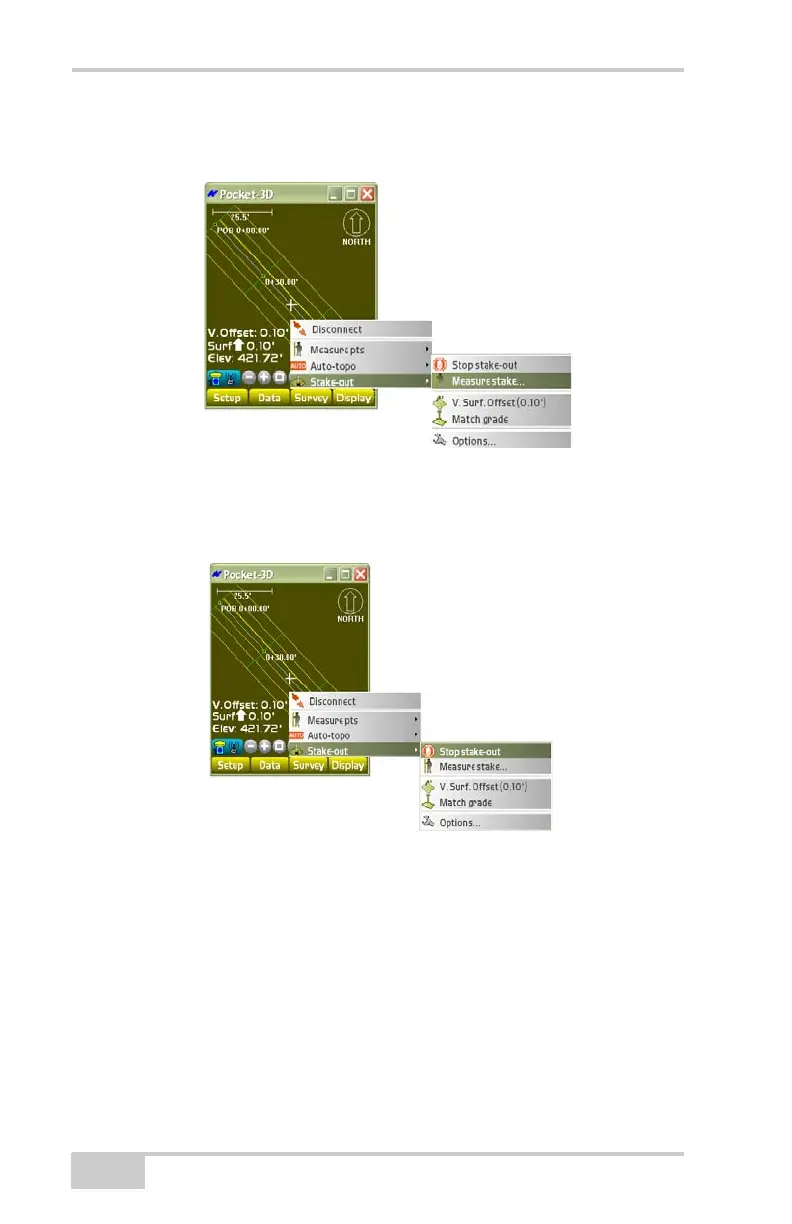
To measure a stake-out point, tap SurveyStake-outMeasure
stake (
Figure 4-37).
Figure 4-37. SurveyStake-outMeasure Stake
To stop the Surface check function, tap SurveyStake-outStop
stake-out (
Figure 4-38).
Figure 4-38. SurveyStake-outStop Stake-out
Cut/Fill “Real-Time” Updates
While in ‘Surface Check’ mode you can now see a tri-color grade
indicator, similar to the one seen in the 3DMC software that gives
real-time updates of cut/fill to the design surface.
To view real-time updates of the cut/fill to the design surface, do the
following:



 To Next Page