Stake-out
P/N 7010-0628
4-25
1. Tap SurveyStake-outSurface Check to display the cut/fill
information and current elevation (
Figure 4-36 on page 4-23).
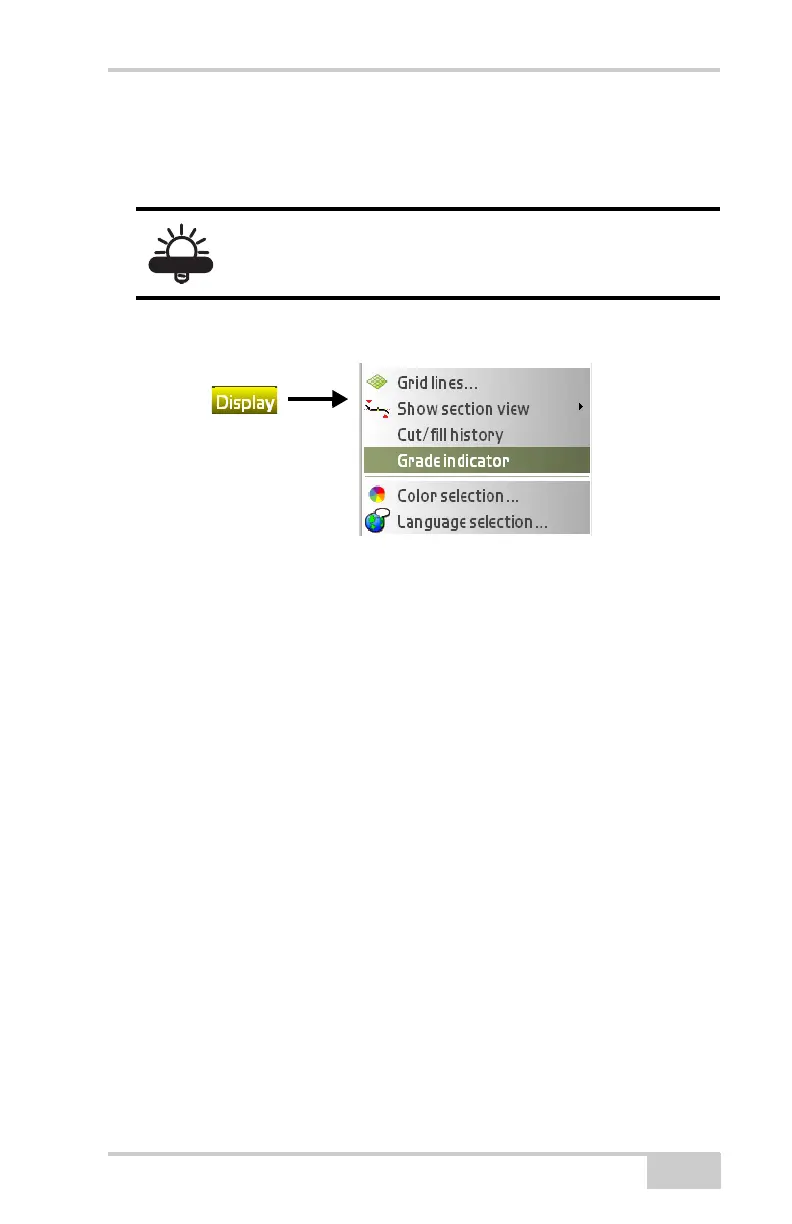
2. Tap DisplayGrade indicator (Figure 4-39).
Figure 4-39. Real-Time Update of Cut/Fill
To adjust the grade indicator settings, hold down on the indicator to
access a pop-up menu containing options for tolerances and grade
(
Figure 4-40 on page 4-26).
The Grade indicator option is only available when
there is an active surface or alignment.



 To Next Page