Calculation Wizard
P/N 7010-0628
3-89
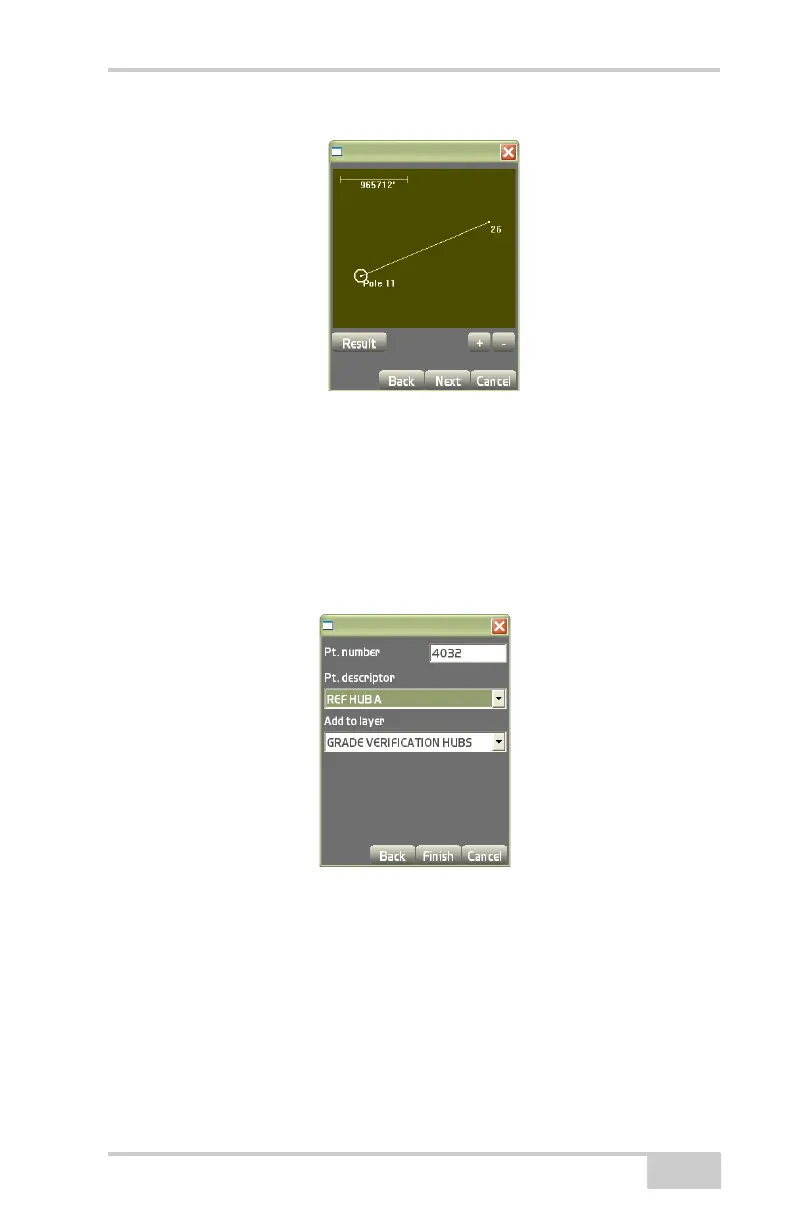
Figure 3-132. View Screen with Baseline
On the point properties dialog box (Figure 3-133), enter the follow-
ing parameters for the point, then press Finish.
• Pt. number – enter the point number.
• Pt. descriptor – enter the point description (if preferred).
• Add to layer – stores the point to the selected layer.
Figure 3-133. Point Properties
Distance From Two End Pts
On the Calculation type dialog box (Figure 3-134 on page 3-90),
select Distance from two end pts to calculate the distance from two
end points, then press Next (
Figure 3-135 on page 3-91).



 To Next Page