Data Menu
Pocket-3D Reference Guide
3-90
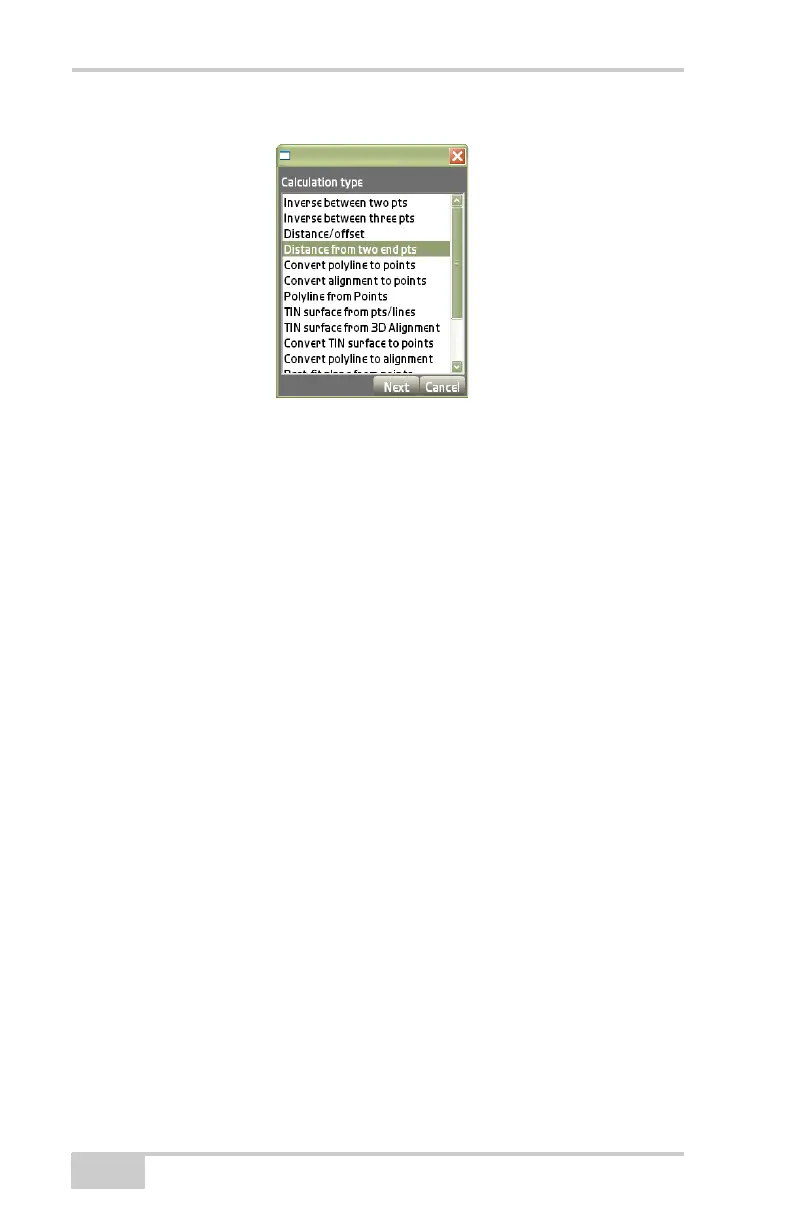
Figure 3-134. Calculation Type Dialog Box – Distance From Two End Points
The results dialog box displays a new point created from the points
selected in the Distance From P1 and Distance From P2 entry boxes
(
Figure 3-135 on page 3-91).
• From Point 1 – press to select a point on the From/To points
selection dialog box.
• From Point 2 – press to select a point on the From/To points
selection dialog box.
• Distance From – enter the intersecting distance from which a new
point will be created from Point 1.
• Distance From – enter the intersecting distance from which a new
point will be created from Point 2.
Press Back to return to the Calculation type dialog box or Cancel to
return to the main view screen.



 To Next Page