Calculation Wizard
P/N 7010-0628
3-91
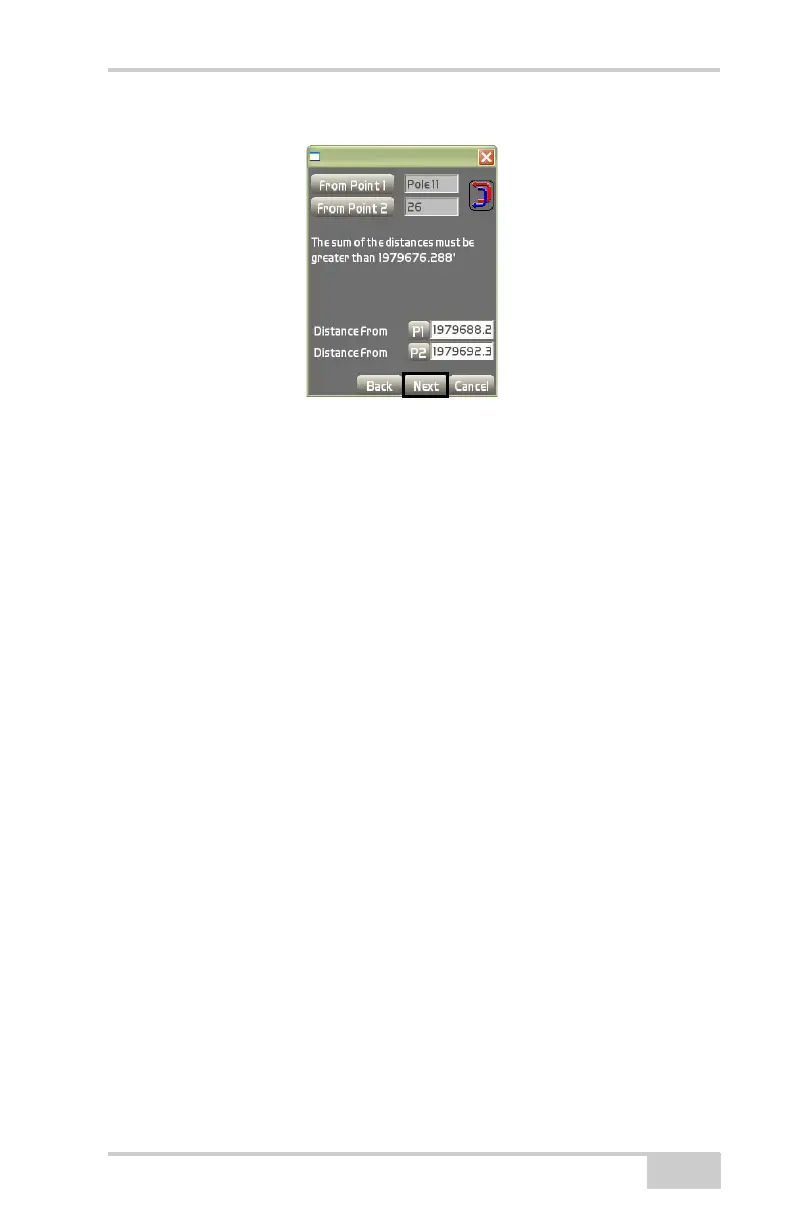
Figure 3-135. Distance From Two End Points
The view screen displays the two original points and specified dis-
tance between the two points created in the Distance From fields
(
Figure 3-136 on page 3-92).
• Press the Result button to display the list of points
(Figure 3-136 on page 3-92).
• Select the point you want to create and press Ok. The point that is
created displays on the main screen in a circle (
Figure 3-136 on
page 3-92).
• Press the +/- buttons to zoom in or out on the image, or press
down on the screen and drag the image around.
• Press Next to continue.



 To Next Page