Data Menu
Pocket-3D Reference Guide
3-70
From LandXML to export an Excel file.
Click DataLineworkImport/ExportFrom LandXML file.
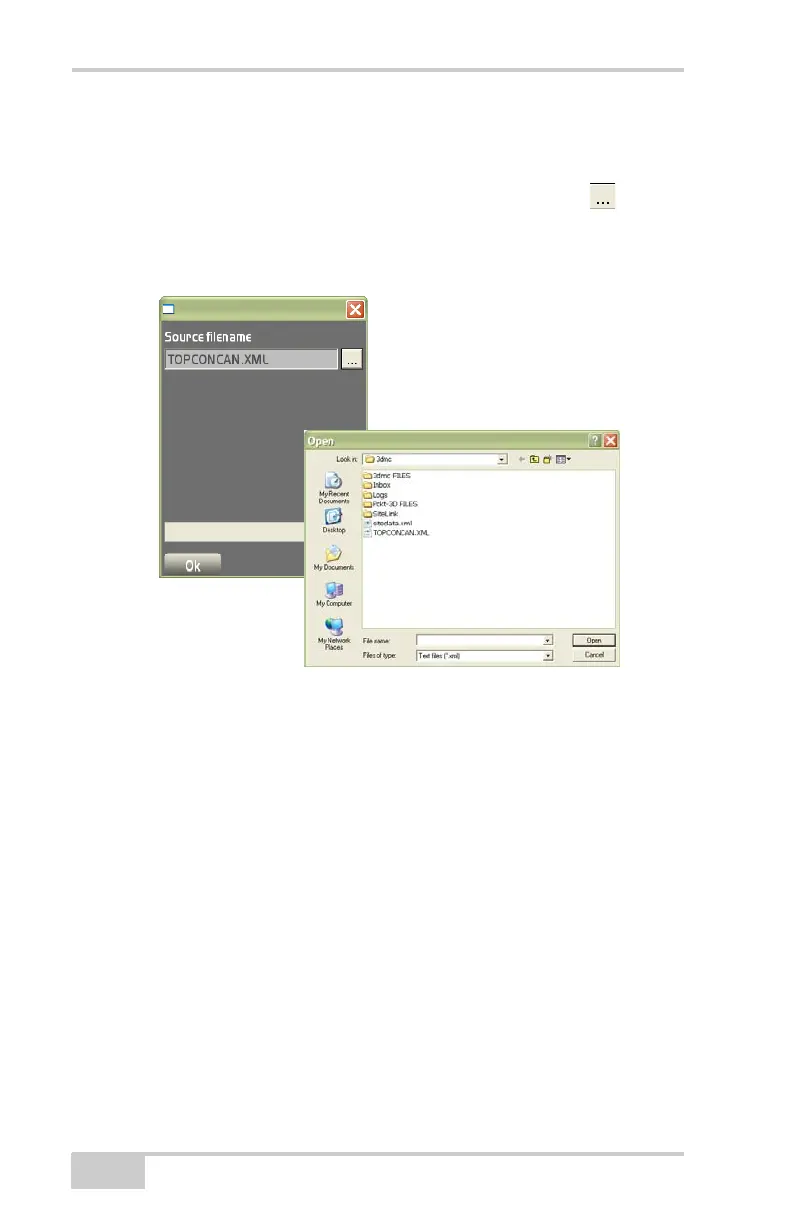
1. On the Source filename dialog box, press the Browse button.
2. On the file explorer dialog box, select the .XML file to export,
then press Open.
Figure 3-104. Import/Export a LandXML File
Via Site-Link export a linework file via Site-Link.
1. Click DataLineworkImport/ExportVia Site-Link.
2. On the Lineworks dialog box (Figure 3-105 on page 3-71),
choose either None, All polylines, Selected polylines only, or
Polylines by layer to import/export.
3. Press Next to display the To: dialog box.
4. Double-click on the mouse to select a file to Import to.



 To Next Page