Data Menu
Pocket-3D Reference Guide
3-94
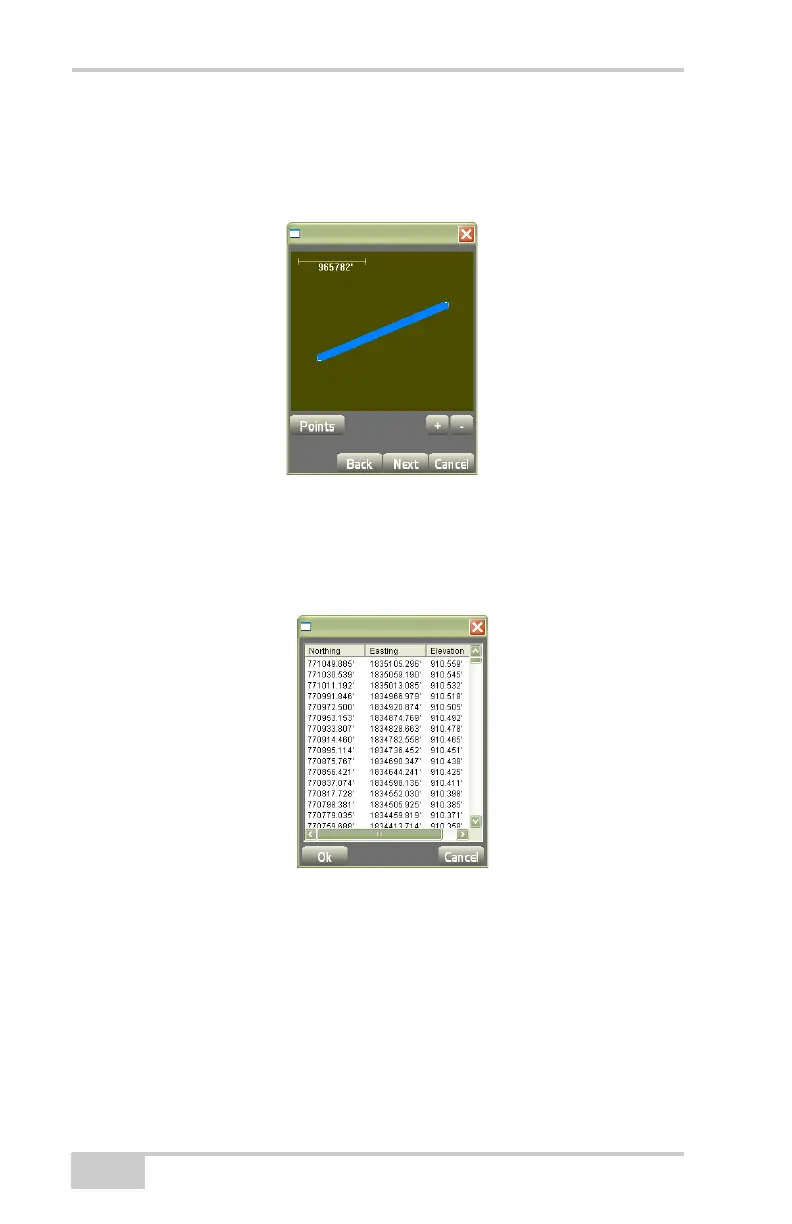
• Press the +/- buttons to zoom in or out on the image, or press
down on the screen and drag the image around.
• Press Points to continue.
Figure 3-140. View Screen with Coordinate Points Created from Polyline
The points dialog box displays the Northing, Easting, and Elevation
parameters of the newly created point(s) (
Figure 3-141).
Press Ok, then press Next.
Figure 3-141. Points
On the point properties dialog box (Figure 3-142 on page 3-95),
enter the following parameters for the points, then press Finish.
• Pt. number – enter the point number.
• Pt. descriptor – enter the point description (if preferred).
• Add to layer – stores the point to the selected layer.



 To Next Page